

Introduction
Get paid to test websites for beginners means earning money by trying out websites and apps before they launch and telling companies what works and what fails. You complete set tasks, speak your thoughts out loud, and record your screen while you work. Most tests take 10 to 20 minutes and pay $10.
Companies pay for this feedback because a confusing checkout page or a broken button costs them real sales. A tester needs no degree and no coding skill. A laptop, a microphone, and clear speech cover the basics. This guide lists the 10 best platforms, the real pay rates, the steps to pass the sample test, and the mistakes that get beginners rejected. It also covers taxes, scams, and a plan for the first $100. Savvy Cash Flow covers side hustles like this one so readers can pick a real income stream with honest numbers.
Key Takeaways
- Website testing pays about $10 per 20-minute test, and live interviews pay $30 to $120.
- Join 3 to 5 platforms, because one platform alone sends too few tests.
- Pass the sample test by thinking aloud, naming every click, and giving clear reasons.
- Most testers earn $50 to $200 in the first month, not a full-time wage.
- Report testing income on a tax return when net self-employment earnings reach $400 in a year (Source: IRS, 2026).
- Never pay a fee to join a testing platform, because a fee marks a scam.
What Is Website Testing?
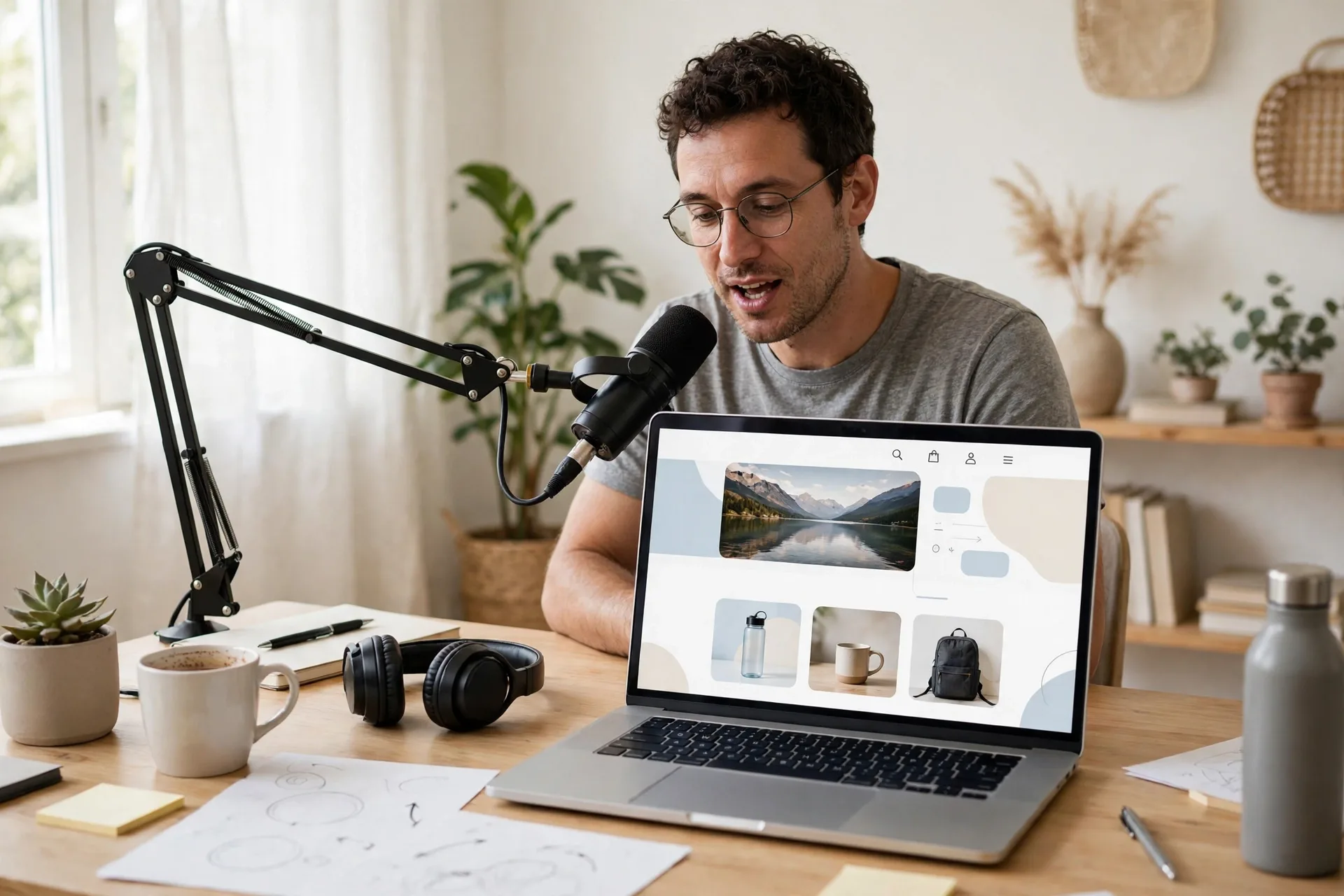
Website testing is a paid task where a tester uses a website or app, follows set tasks, and reports problems in design, text, or checkout flow, and the company uses that feedback to fix the product before launch. Website testing covers 3 types of work: usability testing, bug testing, and live interviews. Usability testing is a technique used in user-centered design to test a product on real users, and it measures how easy a product is to use (Source: Wikipedia, 2026).
Usability testing asks a tester to complete a realistic task, such as finding a product, adding it to a cart, and reaching checkout, while speaking thoughts aloud. Bug testing asks a tester to find errors, such as broken links, crashes, or wrong prices, and to report each error with steps to repeat it. Live interviews put a tester on a video call with a researcher who watches the tester use a product and asks questions in real time. The usability testing method page explains how researchers observe real users to find problems early.
Companies run these tests because internal teams miss problems that fresh eyes catch in minutes. A new visitor spots a confusing menu in 30 seconds, while the team that built the menu never sees it. That fresh view is the product, and companies pay $10 per test for it.
How Much Do Website Testers Make?
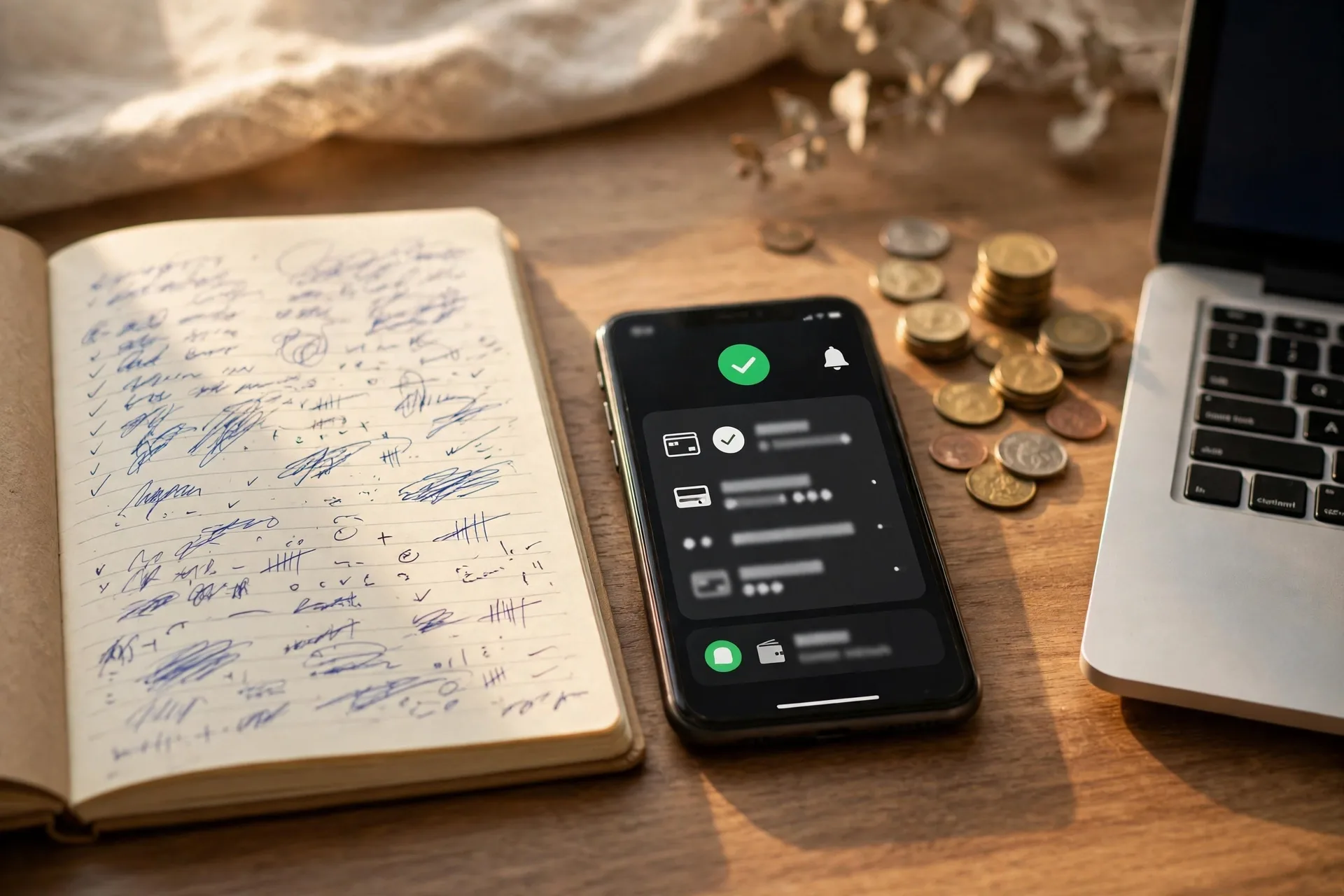
Website testers make about $10 per 20-minute test, which equals $30 per hour of active test time, but most beginners earn $50 to $200 in the first month because tests arrive in small batches and screeners reject many applicants. The hourly math looks strong, and the monthly total stays modest, because test supply limits income, not speed.
A standard test pays $10 for 20 minutes of work. A 5-minute test pays $4. A live interview pays $30 to $120 for 30 to 60 minutes. Bug testing pays $5 to $50 per bug, and a tester who finds no bug earns $0 for that run. A tester who completes 5 tests in a week earns $50. A tester on 4 platforms who completes 15 tests in a week earns $150. A tester who relies on one platform earns less, because one platform sends 2 to 5 tests per week to a new tester.
| Test type | Typical pay | Time needed |
|---|---|---|
| 20-minute usability test | $10 | 20 minutes |
| 5-minute quick test | $4 | 5 minutes |
| Live interview | $30 to $120 | 30 to 60 minutes |
| Bug found (pay per bug) | $5 to $50 | Varies |
| Long study (TestingTime) | $30 to $90 | 30 to 90 minutes |
Treat website testing as a side income, not a job. A realistic first-month goal is $100. Reach it with 10 tests at $10 each. That takes 3 to 4 weeks on 3 platforms. Testers who treat it as a full-time job run out of tests by week 2, because platforms send tests only when a tester matches a client need. More beginner income plans appear in the Make Money Online guides.
Need cash faster than testing pays? Read how to earn money fast for 12 realistic ways.
What Do You Need to Get Paid to Test Websites?
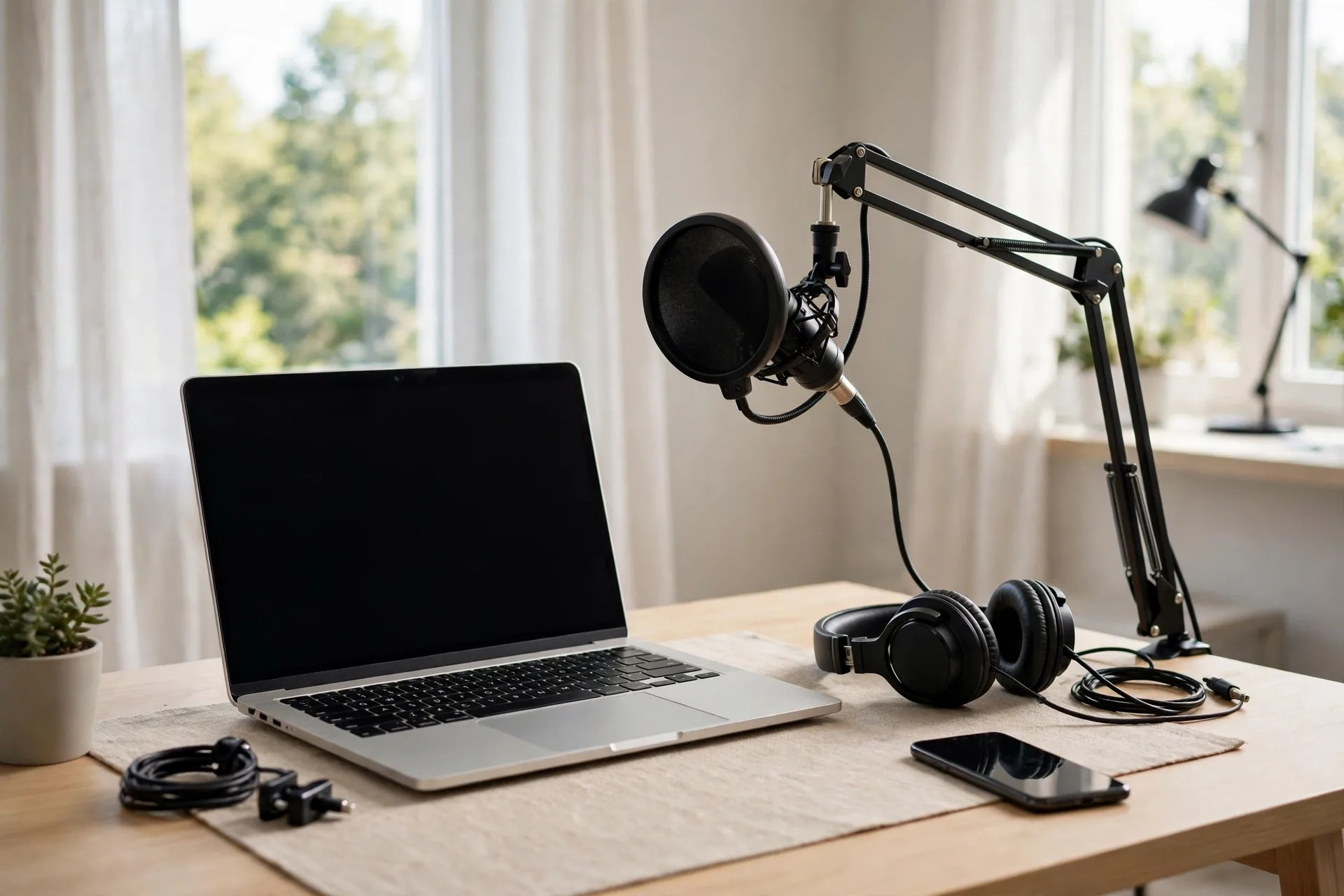
To get paid to test websites for beginners, you need a computer or phone with a microphone, a stable internet connection, a PayPal account, and age 18 or older on most platforms. No degree, no certificate, and no coding skill is required. Clear spoken English matters more than any credential.
The full checklist has 6 items. First, a laptop or desktop with Chrome or a current browser. Second, a microphone that records clear voice, because most tests record audio. Third, a webcam for live interviews and for platforms that record video. Fourth, a quiet room, because background noise gets a test rejected. Fifth, a PayPal account, because almost every platform pays through PayPal. Sixth, a phone or second device, because some tests run on mobile apps and a second device doubles the tests you qualify for.
Most platforms require age 18. A 17 year old can test on a few platforms with a parent account, and the online jobs for teens guide lists website testing as one of the jobs open at 17 with a parent. Read each platform terms page before signup, because age rules change.
Set up a test space before the first application. Record a 2-minute practice run with a free screen recorder, play it back, and check 3 things: your voice is clear, your clicks are visible, and no background noise covers your words. Fix the audio first, because bad audio fails more sample tests than bad feedback.
How to Get Paid to Test Websites for Beginners

To get paid to test websites for beginners, sign up on 3 to 5 platforms, complete each profile in full, pass one sample test per platform, answer screeners fast, and record clear think-aloud feedback on every test. The 7 steps below take a beginner from signup to first payout in about 2 weeks.
- Pick 3 starter platforms: UserTesting, TryMyUI, and UserFeel. All 3 pay $10 per test and accept beginners.
- Create each account with the same email and a strong password, then complete the full profile: age, location, devices, income range, and interests. A full profile earns more test invites.
- Install the screen recorder each platform asks for, and run the practice test the platform offers.
- Record the sample test in a quiet room. Speak every thought out loud, name each click, and explain each pause.
- Wait 2 to 5 days for the review result, and check email daily. A pass opens real paid tests.
- Answer screeners the same day they arrive. Tests fill on a first-come basis, and a 2-hour delay often means a full test.
- Complete the first paid test, submit it, and track the payout date. UserTesting pays 7 days after a test, and other platforms pay weekly or bi-weekly.
Work the steps in order and do not skip the profile step. Platforms match tests to profile answers, and an empty profile gets no invites. A tester who finishes 3 profiles in one evening gets the first test invite within a week in most cases.
10 Best Platforms That Pay You to Test Websites

The 10 best platforms that pay you to test websites are UserTesting, TryMyUI, UserFeel, Userlytics, TestingTime, WhatUsersDo, Enroll, Userbrain, Validately, and Testbirds, and UserTesting leads the list because it sends the most tests and pays $10 per 20-minute test. Join 3 to 5 of them, not all 10, because 3 active profiles beat 10 half-finished ones.
| Platform | Pay per test | Test length | Payout |
|---|---|---|---|
| UserTesting | $10 (live interviews $30 to $120) | 20 minutes | PayPal, 7 days after test |
| TryMyUI | $10 | 10 to 20 minutes | PayPal, bi-weekly |
| UserFeel | $10 | 10 to 20 minutes | PayPal or Amazon gift card, weekly |
| Userlytics | $5 to $90 | 10 to 60 minutes | PayPal |
| TestingTime | $30 to $90 | 30 to 90 minutes | PayPal |
| WhatUsersDo | $8 to $10 | 10 to 20 minutes | PayPal, monthly |
| Enroll | About $10 | 5 to 20 minutes | PayPal |
| Userbrain | $3 | 5 to 15 minutes | PayPal |
| Validately (UserZoom) | $5 to $10 (live sessions up to $100) | 10 to 60 minutes | PayPal |
| Testbirds | 5 to 20 euros | 10 to 30 minutes | Bank transfer or PayPal |
UserTesting is the largest platform, and it sends new tests daily to testers with strong ratings. TryMyUI suits beginners because its tests follow simple shopping scenarios. UserFeel pays the same $10 rate and adds Amazon gift cards as a payout choice. Userlytics pays the widest range, from $5 quick tests to $90 long studies, and it does not always require a practice test. TestingTime pays the most per session, but each session runs 30 to 90 minutes on a live call.
WhatUsersDo pays $8 to $10 per test and sends 3 to 5 tests per month. Enroll runs short tests with no audio recording, which suits testers who dislike speaking on camera. Userbrain pays only $3 per test, but each test takes 5 to 15 minutes, so it fills gaps between bigger tests. Validately, now part of UserZoom, pays up to $100 for live sessions. Testbirds suits testers in Europe and pays 5 to 20 euros per test.
Start with UserTesting, TryMyUI, and UserFeel. Add Userlytics and TestingTime after the first payout, because higher-pay platforms ask for stronger ratings. Keep Userbrain as a filler, not a main platform, because $3 per test adds up slowly.
Usability Testing vs Bug Testing: Which Pays More?
Bug testing pays more per hour than usability testing when a tester finds real bugs, and usability testing pays more steadily, because usability tests pay a fixed $10 per test while bug tests pay $0 when no bug is found. Pick usability testing for steady pay, and add bug testing after 30 days of practice.
| Factor | Usability testing | Bug testing |
|---|---|---|
| Pay model | Fixed $10 per test | $5 to $50 per bug found |
| Pay when no issue is found | $10, still paid | $0 |
| Skill needed | Clear speech, honest opinions | Detail checks, written bug reports |
| Test length | 10 to 20 minutes | 30 to 60 minutes |
| Best platform | UserTesting, TryMyUI | uTest, Test IO, TesterWork |
| Beginner fit | Strong, start here | Fair, start after 30 days |
Use usability testing when the goal is steady side income with no learning curve. Use bug testing when the goal is higher hourly pay and the tester enjoys detail work. A tester who runs both earns the $10 base from usability tests and adds bug payouts on top. Do not start with bug testing alone, because the first weeks often pay $0 while the tester learns how to write reports that pass review.
How Do You Pass the Sample Test on Your First Try?
You pass the sample test on your first try by speaking your thoughts out loud from the first second, naming every click before you make it, and giving a reason for every like and dislike. The reviewer grades the recording, not the opinion, so a clear recording with plain reasons beats a clever opinion delivered in silence.
Use this think-aloud script shape on every test. Say the task out loud first: “The task asks me to find a red shirt under $30, so I will start at the search bar.” Name each click: “I click the search bar and type red shirt.” React to each screen: “The results load fast, but the price filter sits below the fold, so I scroll down to find it.” End each task with a verdict: “I found the shirt in 40 seconds, and the filter worked, but the size menu hid the medium size.”
Follow 5 rules on the recording. First, keep talking, because silence longer than 5 seconds flags the test. Second, speak at a normal pace, because rushed speech sounds careless. Third, read the task twice before you start, because a missed task fails the test. Fourth, complete every task in order, because skipped tasks count as failures. Fifth, check the audio level before you record, because a quiet mic fails more tests than a wrong answer.
One practical note from my own first sample test: I spoke too fast and skipped the task text, so I clicked the wrong menu and had to redo the recording. Read the task, then talk slowly, and the test passes on the first try.
7 Mistakes That Get Beginner Testers Rejected
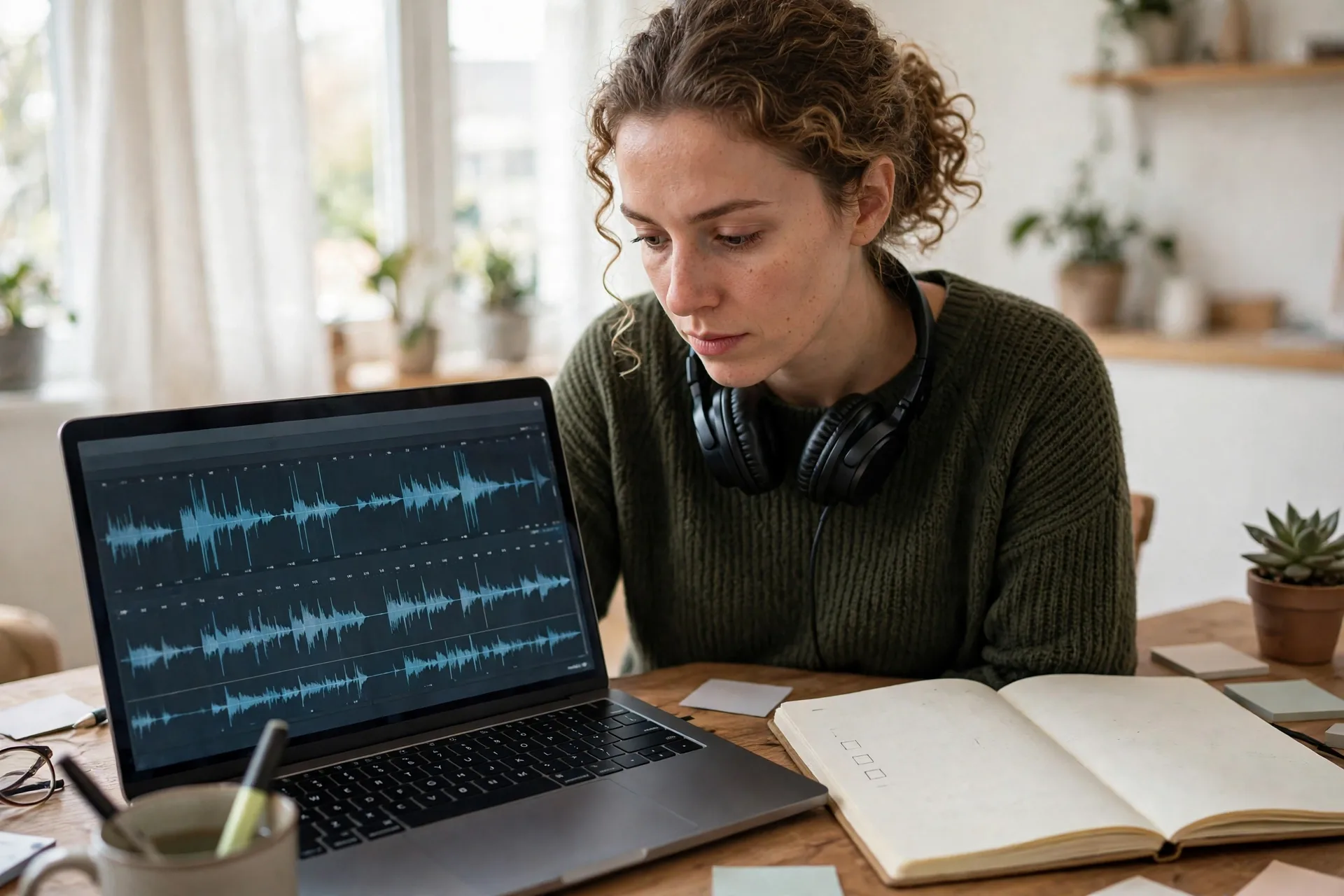
Beginner testers get rejected for 7 mistakes: silent recordings, one-word answers, rushed tests, missed tasks, bad audio, fake feedback, and late screener replies. Fix these 7 and the approval rate rises fast.
- Silent recordings. A test with long silent gaps gets rejected, because the client pays for spoken thoughts, not silent clicks.
- One-word answers. “Good” and “bad” give the client nothing. Say why a page works or fails in one full sentence.
- Rushed tests. A 20-minute test finished in 4 minutes signals fake effort, and the platform flags the account.
- Missed tasks. Skipping a task fails the test, even when the rest of the recording is strong.
- Bad audio. A noisy room or a distant mic makes the recording unusable, and the client rejects it.
- Fake feedback. Praising every page looks dishonest, and clients reject testers who never find a problem.
- Late screener replies. A screener answered hours late finds the test full, and the invite goes to a faster tester.
Check each test before you submit it. Play back the first 30 seconds, confirm your voice is clear, and confirm you completed every task. That 2-minute check saves the payout on most tests.
How Can You Earn More From Website Testing?
You can earn more from website testing by joining 4 to 5 platforms, keeping a high tester rating, answering screeners within 30 minutes, and adding one higher-pay skill such as live interviews or bug testing. Each step adds tests, and more tests add pay.
Keep the rating high by submitting clean recordings and hitting every task. Platforms send more tests to testers with strong ratings, and a single rejected test drops the invite rate for a week. Answer screeners fast, because the first testers to answer get the slot. Check email 3 times a day during the first month, and turn on push alerts for each platform app.
Add live interviews after 10 completed tests. Live interviews pay $30 to $120, and platforms invite testers with a proven record. Add bug testing after 30 days, and start on uTest Academy, which teaches bug report writing for free. Pair testing with a second flexible income, such as virtual assistant work, because testing alone rarely fills a full week. The how to become a virtual assistant with no experience guide gives a 30-day start plan for that pairing.
Track every test in a sheet with 5 columns: date, platform, test type, pay, and payout date. The sheet shows which platform pays best per hour, and it shows the monthly total at a glance. Drop the platform with the lowest hourly pay after 30 days, and replace it with a new one.
Is Website Testing Legit or a Scam?
Website testing is legit on known platforms such as UserTesting, TryMyUI, and UserFeel, and it turns into a scam only when a site asks for an upfront fee, promises a guaranteed income, or asks for bank details before any test. Check the platform name plus the word “scam” before you sign up, and trust the search results.
Watch for 5 red flags. First, an upfront fee to join or to open tests. Real platforms never charge testers. Second, a promise of $500 a day or a guaranteed income. Real testing pays $10 per test in small batches. Third, a request for a Social Security number or bank login during signup. Real platforms ask only for PayPal details at payout. Fourth, an offer that arrives as an unsolicited text or WhatsApp message. Real platforms contact testers by email inside the platform. Fifth, a site with no company address, no terms page, and no support email.
Testing income counts as self-employment income, so set aside 25 to 30 percent of each payout for taxes. A tester must file a tax return when net self-employment earnings reach $400 in a year, and self-employment tax is 15.3 percent, which covers 12.4 percent for Social Security and 2.9 percent for Medicare (Source: IRS, 2026). The IRS gig economy tax center page lists the rules for gig income. This guide gives general information only, not tax advice.
Conclusion
Get paid to test websites for beginners works as a real side income when you join 3 platforms, pass the sample tests, and treat each test like paid client work, because steady $10 tests add up to $50 to $200 in the first month. Start today with UserTesting, TryMyUI, and UserFeel, record the sample tests in a quiet room, and answer screeners fast. Add live interviews after 10 tests, track every payout in a sheet, and set aside 25 percent for taxes. Website testing will not replace a job, but it pays for groceries, a bill, or a savings deposit each month. Find more beginner income plans on Savvy Cash Flow.
Frequently Asked Questions
How much can a beginner make testing websites?
A beginner makes $50 to $200 in the first month testing websites, based on 5 to 20 tests at about $10 each. Test supply limits income, not speed, so joining 3 to 5 platforms raises the monthly total. Live interviews pay $30 to $120 and lift earnings after 10 completed tests.
Do I need experience to test websites?
No, you need no experience to test websites, because platforms train beginners with a sample test and a practice run. Clear spoken English, a microphone, and attention to detail matter more than a degree. A quiet room and a steady internet connection cover the rest.
How long does it take to get paid after a test?
UserTesting pays 7 days after a completed test through PayPal. TryMyUI pays bi-weekly, UserFeel pays weekly, and WhatUsersDo pays monthly. Live interviews and long studies often pay within a few days after the session ends.
Can I test websites on my phone?
Yes, you can test websites on your phone, because most platforms offer mobile tests for apps and mobile sites. Install the platform app, allow screen recording, and use a phone with a working microphone. Desktop tests still pay more often, so use both devices.
Is UserTesting legit?
Yes, UserTesting is legit, and it is one of the largest website testing platforms, used by brands such as Apple, Microsoft, and Wikipedia. It pays $10 per 20-minute test through PayPal, 7 days after the test. Testers must pass a sample test before they receive paid work.
Do website testers pay taxes on their earnings?
Yes, website testers pay taxes on their earnings, because testing income counts as self-employment income. A tester must file a tax return when net self-employment earnings reach $400 in a year, and self-employment tax is 15.3 percent (Source: IRS, 2026). Set aside 25 to 30 percent of each payout.