

Introduction
To use AI for content creation, pick one free writing tool, give it a clear brief with your audience and goal, ask for an outline first, draft one section at a time, then edit every line for facts and voice before you publish. AI content creation is the use of Artificial Intelligence (AI) tools to plan, draft, edit, and publish blog posts, images, video, and social posts faster than working by hand. This guide shows you which free tools to start with, the exact 7-step workflow, copy-paste prompts, an editing checklist, free vs paid costs, and the mistakes that waste a beginner’s first month.
You do not need coding skills, a budget, or a team to start. A free writing assistant, a design tool, and a simple editing checklist cover the full workflow, and this guide walks through each part with copy-paste prompts you can reuse today.
Key Takeaways
- AI content creation works best as a draft-and-edit loop: AI drafts, you decide, check, and rewrite.
- Start with 3 free tools only: ChatGPT or Claude for writing, Canva for visuals, Grammarly for editing.
- Always brief AI first with audience, goal, format, and one sample of your voice, then ask for an outline before any draft.
- Check every fact, number, and quote in AI output against a source you can open, because AI tools invent details with confidence.
- One finished blog post can turn into 10 smaller posts, so repurposing is where AI saves the most time.
- Free plans cover a beginner’s full workflow; pay $20 a month for one tool only when a limit blocks real work.
What Is AI Content Creation?
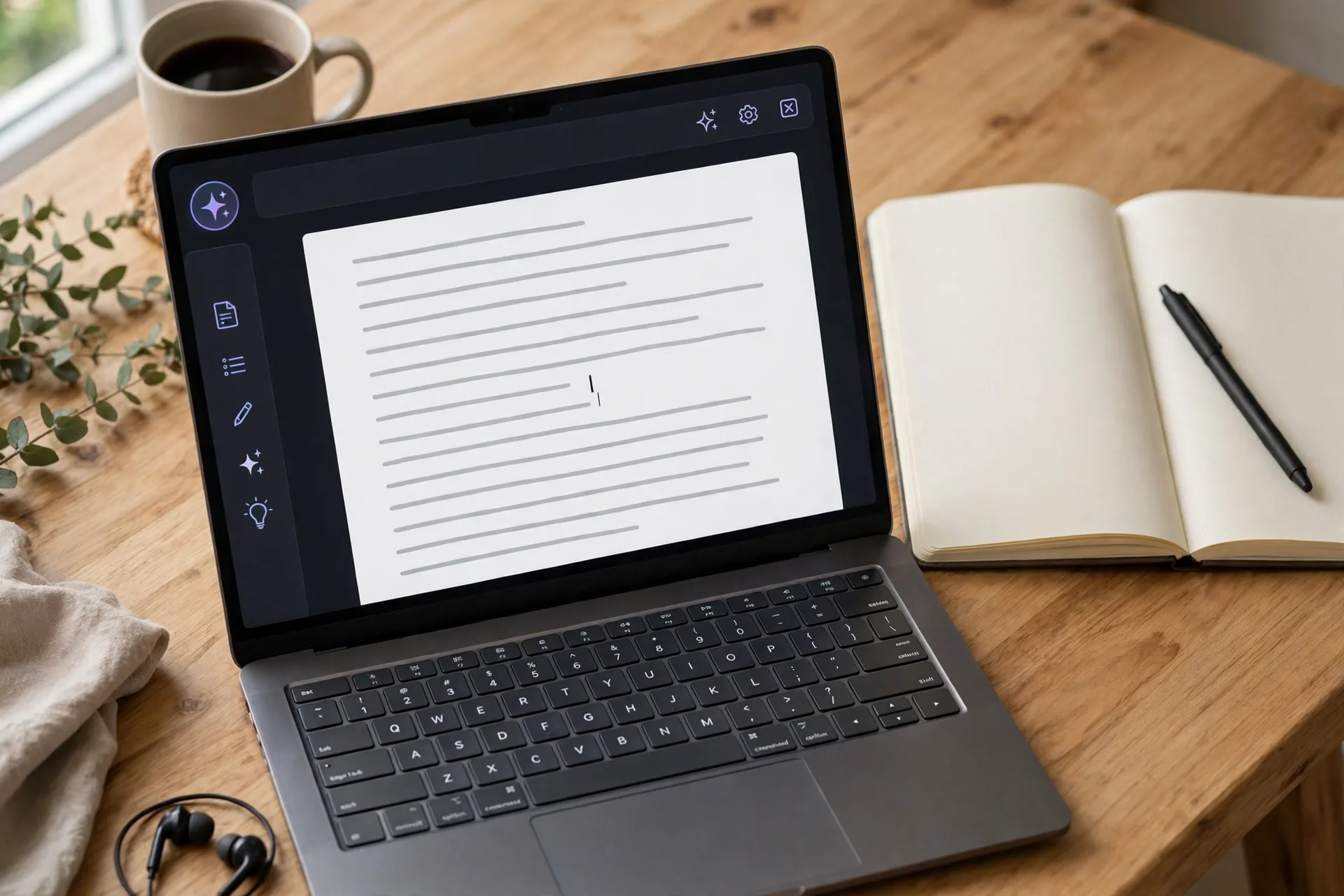
AI content creation is the use of Artificial Intelligence (AI) tools to plan, research, draft, edit, and publish text, images, audio, and video for a blog, a newsletter, or a social feed, with a human who checks every fact and keeps the final say on voice. A generative AI model learns patterns from large sets of training data, then produces new text, images, or video from a short written prompt. You type the instruction, the tool returns a draft, and you shape that draft into finished work.
Generative AI (GenAI) covers chatbots such as ChatGPT, Claude, and Google Gemini for text, image tools such as Canva AI and Midjourney, and video editors such as Descript and CapCut. The generative AI page on Wikipedia gives a full overview of how these models work and where they are used. Each tool does one job well, so beginners get better results from a small stack of 3 tools than from one tool asked to do everything.
AI content creation is not automatic publishing. The tool has no facts of its own, no memory of your readers, and no sense of what your audience already read. It predicts likely text from patterns, so it can state a wrong number in a clean sentence. Your job is to supply the facts, the angle, and the final check. When you do that, one person can publish 3 to 5 pieces a week that used to take a full day each.
What Can AI Do for Content Creation (and What Can It Not Do)?
AI can draft, outline, brainstorm, summarize, repurpose, and edit at high speed, but it cannot supply original insight, lived experience, verified facts, or a real point of view, so the best results come from a clear split where AI handles the fast first pass and a human handles judgment. The table below splits the work so you hand AI the fast jobs and keep the judgment jobs for yourself.
| AI does well | Keep human |
|---|---|
| First drafts from an outline | Strategy and topic choice |
| 20 title and hook options in seconds | Original opinion and point of view |
| Outlines and content calendars | Fact-checking every number and quote |
| Summaries of long articles and notes | Personal stories and examples |
| Repurposing one post into 10 formats | Final approval before publish |
| Grammar, clarity, and tone fixes | Brand voice decisions |
| Transcripts, captions, and alt text drafts | Sensitive replies and legal claims |
| Image and video first drafts | Checking licences and disclosure rules |
A Deloitte survey of more than 500 creators found that around 3 in 5 expected to use generative AI to help run their business, with idea generation as the top use (Source: Deloitte, 2026). An October 2025 survey by the Federal Reserve found that 1 in 4 U.S. workers used generative AI at work during the previous month (Source: Federal Reserve, 2025). The tools are now normal work tools, not a novelty, and the winners are the people who use them with a clear review step.
One practical rule covers the split: if a task needs your taste, your facts, or your name on it, a human does it. If a task is slow, repetitive, and easy to check, AI does the first pass.
Which AI Tools Do Beginners Need?

Beginners need 3 free tools to start: one writing assistant for drafts and ideas, one design tool for images and pins, and one editor for grammar and clarity, and a fourth tool joins the stack only when a real publishing task needs it. The table below lists the job, the tool, and what the free plan covers in 2026.
| Job | Tool | Free plan in 2026 |
|---|---|---|
| Writing and drafts | ChatGPT | Text chat, outlines, drafts, image generation with caps |
| Long-form writing and editing | Claude | Long documents, web search, session limits |
| Research with sources | Perplexity | Free searches with cited sources |
| Brainstorming in Google apps | Google Gemini | Deep Research, Docs and Drive integration |
| Graphics, pins, thumbnails | Canva | Templates, basic AI features, 5 GB storage |
| Grammar and clarity | Grammarly | Grammar, spelling, tone checks, 100 AI prompts a month |
| Video and podcast editing | Descript | 3 hours a month of transcription and text-based editing |
| Short video and captions | CapCut | Core editing free, pro effects paid |
| Interview transcripts | Otter.ai | 300 minutes a month, speaker labels |
ChatGPT is the best all-rounder for a first tool, because it handles ideas, outlines, drafts, and rewrites in one place. Claude suits long articles better, because it holds a long document in context and keeps the structure steady across sections. Perplexity suits research, because it returns answers with links you can open and check. Canva suits every visual a beginner needs, from Pinterest pins to blog headers, and its free plan covers the basics.
Test the tools on the same brief before you pay for any of them. Give ChatGPT and Claude the same audience, goal, and outline, then compare the two drafts on 3 points: which draft followed the brief, which draft needed fewer factual fixes, and which draft needed less rewriting for voice. The tool that creates less cleanup wins. I ran this exact test while planning this guide, and ChatGPT gave the faster first draft while Claude kept the structure tighter over a long piece. Your own test matters more than any review, because your briefs and your voice are the real test data. For a full guide to the tools in this article, browse the AI and Technology guides on Savvy Cash Flow, where each tool gets a closer look.
Do not buy 5 subscriptions before your first published piece. Free plans change often, so check each tool’s own pricing page before you build a workflow around a limit. Start free, publish 10 pieces, then pay for the one tool that sits on your critical path.
How to Use AI for Content Creation Step by Step

To use AI for content creation, follow 7 steps in order: brief, research, outline, draft, edit, design, and repurpose, because each step has one job and the order stops you from fixing a finished draft that a short brief would have prevented. Skipping the brief is the mistake that makes every later step slower.
- Write a 6-line brief. Name the audience, the reader’s question, the goal, the format, the facts you will supply, and the next action for the reader. A brief stops AI from guessing.
- Research with a source-first tool. Use Perplexity or Gemini to collect 5 to 8 sources with links. Open each source and save the exact passage that supports each claim.
- Ask for an outline, not a draft. Paste the brief and ask for headings with a one-line purpose per heading. Fix the structure now, because fixing a finished draft costs 3 times longer.
- Draft one section at a time. Give the tool one heading, its purpose, and the source facts for that heading. Paste the outline above each prompt so the draft stays on track.
- Edit in 3 passes. First pass: facts and missing steps. Second pass: usefulness, cut anything that does not help the reader act. Third pass: voice, read it aloud and cut phrases you would never say.
- Design visuals with a job for each image. Give each image one job: show a step, show a comparison, or show a result. Add labels as editable text after generation so spelling stays correct.
- Repurpose only after approval. Turn the approved piece into social posts, a newsletter section, and a short video script. Repurposing a weak draft spreads weak claims to every channel.
Time per piece with this workflow runs about 2 to 3 hours for a 2,000-word blog post: 20 minutes for the brief and research, 15 minutes for the outline, 30 minutes for section drafts, 45 to 90 minutes for the human edit, and 15 minutes for repurposing. The edit takes longer than the draft, and that is the point. A Princeton study presented at KDD in 2024 found that content with statistics gained up to 37% more AI citations and content with cited sources gained up to 40% more (Source: Princeton, 2024), so the time you spend on facts and sources pays twice: once for readers, once for AI search.
How Do You Write a Good AI Prompt?

A good AI prompt names the role, the audience, the goal, the format, the facts to use, and the output shape, because a tool with that context writes a useful draft while a tool with one vague line writes generic text that needs a full rewrite. Weak prompts ask for a whole article in one line. Strong prompts give the tool the same context a human writer would need. Use this formula for every prompt: role plus audience plus goal plus facts plus format plus limits.
Copy and reuse these 5 prompts. Replace the bracketed parts with your own topic and facts.
- Brief prompt: “You are an editor for a personal finance blog. Audience: beginners who save $200 a month. Goal: answer [question]. Give 10 content ideas, each with one angle and one fact I must verify. Do not invent statistics.”
- Outline prompt: “Create an outline for a blog post that answers [question]. Use my brief and source pack. Each heading needs a one-line purpose. Mark any missing fact with [VERIFY]. Return the outline before drafting.”
- Draft prompt: “Draft the section [heading] in 250 words for [audience]. Use only the facts in my source pack. Answer the heading question in the first sentence. Mark unsupported details with [VERIFY].”
- Edit prompt: “List every claim in this draft that needs evidence, a date, or a source. Flag any sentence that repeats the same point. Do not rewrite the draft.”
- Repurpose prompt: “Adapt this approved article into 5 social posts for [platform]. Keep every fact the same. Each post needs one takeaway and one next action. Add no new claims.”
Two rules make prompts work. First, paste your own facts into the prompt instead of asking AI to supply them, because AI fills gaps with confident guesses. Second, ask for one section at a time and review each section before the next one, because a wrong turn caught after 200 words costs minutes and a wrong turn caught after 2,000 words costs an hour.
How Do You Edit AI Drafts So They Sound Like You?

To edit AI drafts so they sound like you, run a 6-point check on accuracy, voice, value, facts, originality, and structure, because AI text is fluent and even while your voice comes from the examples, opinions, and cuts only you can add. AI text has a clear pattern: fluent, even, and free of strong opinions. Your edit adds the parts only you can add. Work through the checklist below on every draft before you publish.
- Accuracy: Open every source and confirm each number, name, date, and quote. Resolve every [VERIFY] marker by finding support, fixing the text, or removing the claim.
- Voice: Read the draft aloud. Cut filler openings, repeated conclusions, and phrases you would never say. Add one sentence in your own words per section.
- Value: Ask if a reader learns something they could not get from the first search result. If the answer is no, add your own example, test result, or decision rule.
- Facts: Check that each statistic has a named source and year. Delete any number with no source you can open.
- Originality: Run a plagiarism check and rewrite any passage that sits too close to a source. Add your own headings, examples, and order.
- Structure: Check that each section answers its heading in the first sentence and that a skimmer gets the point from headings and bold lines alone.
One extra habit helps: keep a short brand voice note with 5 sentences you wrote and 5 phrases you never use, and paste it into every drafting prompt. The note keeps your voice steady across a month of posts, even when free-tier models change under you.
How to Create AI Images and Videos Without Looking Fake
To create AI images and videos that look real, give the tool a full visual brief with subject, action, setting, style, and size, check the licence and the export for watermarks, and never present a generated image as a photo of a real event. AI image tools such as Canva AI, Adobe Firefly, and Midjourney turn a text prompt into an image in seconds, and video tools such as Runway and CapCut turn a script into short clips. The quality is real, and the risks are real too.
Write image prompts with 5 parts: subject, action, setting, style, and size. For example: “Photorealistic photo, woman at a bright home desk typing on a laptop, notebook and coffee beside her, warm morning light, 16:9.” Add “no text” when you do not want garbled words in the image, because AI tools still misspell text inside images.
Check 3 things before you publish any AI visual. First, the licence: free-tier images from some tools carry limits on commercial use, and a monetized blog counts as commercial use. Read the licence before you ship the image. Second, watermarks and resolution: free video exports can carry a watermark or cap below 1080p, so treat free video as a storyboard until you check the export. Third, disclosure: platforms such as YouTube label synthetic content, and realistic AI images or video may need a disclosure, so check the current rule on each platform where you post.
Use real photos when readers need to see the actual product or a precise step, such as a measurement or a screen setting. Use generated images for concepts, headers, and illustrations. Inspect every generated image for odd hands, wrong proportions, and objects that disagree with your text, because a tidy image can still teach the wrong action.
Should You Use Free AI Tools or Pay for Them?
Free AI tools cover a beginner’s full workflow for drafting, editing, and visuals, and you should pay only when a limit blocks work you already do every week, such as an export cap, a watermark, or a credit ceiling in the middle of a deadline. The table below shows the real line between free and paid.
| Factor | Free plan | Paid plan |
|---|---|---|
| Monthly cost | $0 | $6 to $49 per tool |
| Drafting and ideas | Enough for 1 to 5 posts a week | Longer context, faster queues, file analysis |
| Images and video | Capped credits, possible watermark | Higher limits, no watermark, commercial licence |
| Editing | Basic grammar and tone | Advanced rewrites and style controls |
| Team work | Single user, no brand controls | Shared brand voice, approvals, seats |
| Best for | Learning and light publishing | Daily publishing or client work |
The honest rule is to pay for exactly one tool: the one on your critical path. For most writers that is ChatGPT or Claude for drafting. For most video creators it is Descript for editing. Paying for 8 subscriptions at once is how people spend $200 a month to produce the same output they produced for free. Stay free until a limit costs you real time, such as an export cap, a watermark on a client deliverable, or a credit ceiling in the middle of a deadline week. Then upgrade that one tool and keep the rest free.
How to Repurpose One Piece Into 10 Posts
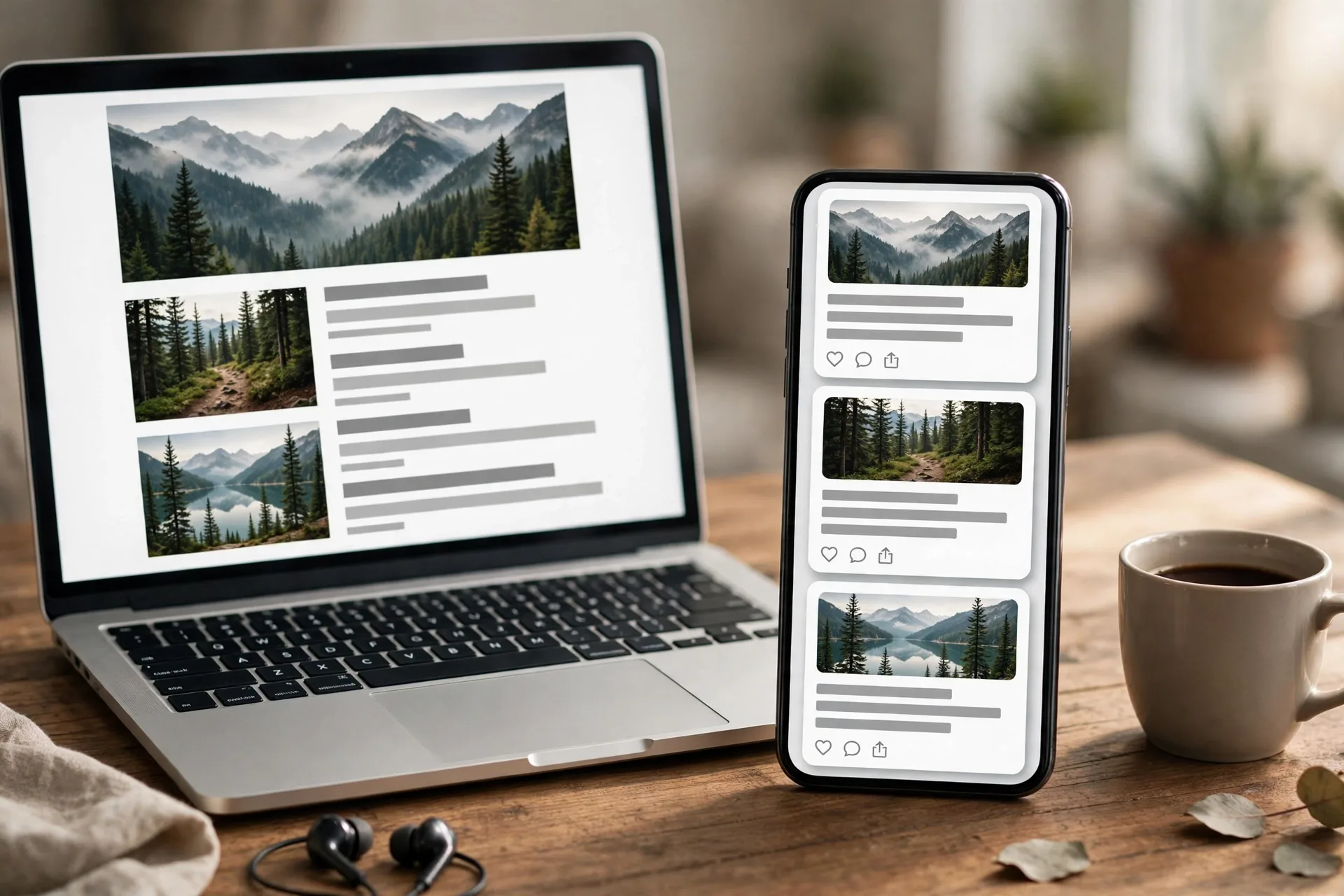
To repurpose one piece into 10 posts, start from the approved article and change the format, not the facts, because one long piece holds a week of smaller posts and AI turns each section into a post, a slide set, or a script in minutes. Repurposing is the highest-return step in AI content creation, because one long piece holds a week of smaller posts. The table below shows the 10 formats from one blog post.
| Format | What AI does | Time |
|---|---|---|
| 3 social posts | Pull 3 takeaways, one per post | 10 minutes |
| 1 carousel | Turn the steps into 6 slides | 15 minutes |
| 1 newsletter section | Summarize the post in 150 words | 10 minutes |
| 1 short video script | Turn the best section into a 45-second script | 15 minutes |
| 1 Pinterest pin set | Write 3 pin titles and descriptions | 10 minutes |
| 1 FAQ post | Turn the FAQ into a standalone post | 10 minutes |
| 1 email sequence | Split the post into 3 short emails | 20 minutes |
Ask AI to adapt the approved text with this instruction: “Adapt this approved article into [format]. Keep every fact the same. Add no new claims. Flag anything that cannot fit this format.” Then check each version for context loss, because a short post can drop a qualification that matters in the long article. Publish the formats on a schedule across the week instead of all at once, and note which format drove replies, saves, or signups, because that log makes next week’s brief better.
7 Mistakes Beginners Make With AI Content Creation
The 7 mistakes beginners make with AI content creation are publishing raw output, learning 5 tools at once, skipping fact-checks, using one vague prompt, ignoring licences, writing for AI instead of readers, and skipping the weekly review, and each one is easy to fix once you name it.
- Publishing unedited AI output. Readers can tell. AI text is fluent but flat, so always edit for voice and facts.
- Learning 5 tools at once. Pick one writing tool and use it daily for 30 days. Depth beats a wide stack.
- Skipping fact-checks. AI invents statistics, quotes, and links. Check every specific claim against a source you can open.
- Using one vague prompt. “Write a blog post about money” returns generic text. A brief with audience, goal, and facts returns useful text.
- Ignoring licences and watermarks. Free-tier images and video can carry commercial-use limits or watermarks. Check before you publish.
- Writing for AI instead of readers. Answer-first sections help AI search, but the reader still needs clear steps and real numbers.
- Skipping the weekly review. Log what worked each week: which post earned saves, which prompt failed, which tool hit a limit. The log is what makes the next brief better.
Can AI Content Creation Make You Money?
Yes, AI content creation can make you money, because businesses pay for AI-assisted work such as writing, design, video editing, and social media management, and the pay follows a skill buyers already want while AI cuts the time that skill takes to deliver. Upwork reported that freelancer earnings on skills that name AI grew 109% in 2025, with AI video generation and editing up 329% (Source: Upwork, 2026). The money follows a skill buyers already pay for, and AI cuts the time that skill takes.
The fastest paid path is AI-assisted freelance writing, which pays about $15 to $150 per article based on length and niche, with first payments in 1 to 4 weeks. Social media management with AI pays about $500 to $2,000 per client a month, and AI video editing pays about $50 to $150 per video. Digital products such as prompt packs and templates take 1 to 3 months to pay, but they sell without more hours. Pick one path, build 3 samples in one niche, and pitch 20 buyers before you buy any course.
Ready to turn these skills into income? See how to make money with AI in 7 beginner ways for pay ranges, tools, and a 30-day plan. The guide pairs with this one: learn the tools here, then sell the result there. For a closer look at one tool first, read how to use ChatGPT to save money and what generative AI is to build your base before you pitch a client.
Frequently Asked Questions
Is AI content creation free?
Yes, AI content creation can start free. ChatGPT, Claude, Gemini, Canva, and Grammarly all have free plans that cover drafting, editing, and visuals for a beginner. Each free plan has limits on messages, credits, or exports, so test your full workflow end to end before you rely on it.
Can beginners use AI for content creation with no experience?
Yes, beginners can use AI for content creation with no experience. Start with one free writing tool, one clear brief, and one short piece. Ask for an outline first, draft one section at a time, and edit every line. Your first 3 pieces teach you more than any course.
Which AI tool is best for content creation?
The best AI tool for content creation depends on the job. ChatGPT suits all-round drafting and ideas, Claude suits long-form writing, Perplexity suits research with sources, Canva suits visuals, and Descript suits video editing. Start with one tool per job and add more only when a task needs it.
Do I need to pay for AI tools to create content?
No, you do not need to pay for AI tools to create content. Free plans cover a beginner’s full workflow for 1 to 5 posts a week. Pay $20 a month for one pro plan only when a limit blocks real work, such as an export cap or a watermark on a client deliverable.
Will Google penalize AI-generated content?
No, Google does not penalize content for being AI-generated. Google rewards helpful, original, accurate content and penalizes low-value content no matter how it was made. Edit every AI draft for facts, voice, and original examples, and the method of production does not matter.
How do I keep AI content from sounding robotic?
To keep AI content from sounding robotic, edit every draft in your own voice. Read it aloud, cut filler phrases, add your own examples and opinions, and use short sentences with concrete numbers. A brand voice note with your own sample sentences keeps the tone steady across posts.
Is it legal to sell AI-generated content?
Yes, it is legal to sell AI-generated content in most cases, but the rules vary by tool and marketplace. Check each tool’s licence for commercial use, disclose AI use where a marketplace asks for it, and get written permission before you clone a voice or a face. Purely AI-made images may lack full copyright protection.
Conclusion
How to use AI for content creation comes down to a short loop: brief well, draft in sections, check every fact, edit for your voice, then repurpose the approved piece. Pick 3 free tools, write one brief per piece, and publish 10 pieces before you pay for anything. AI content creation saves hours on drafting, outlining, and repurposing, while you keep the parts that matter: the facts, the angle, and the final check. Start today with one tool, one brief, and one short post, and let the weekly log show you what to improve next. Savvy Cash Flow covers AI tools, side income, and saving guides side by side, so use this guide as your starting point and build from one finished piece at a time.