

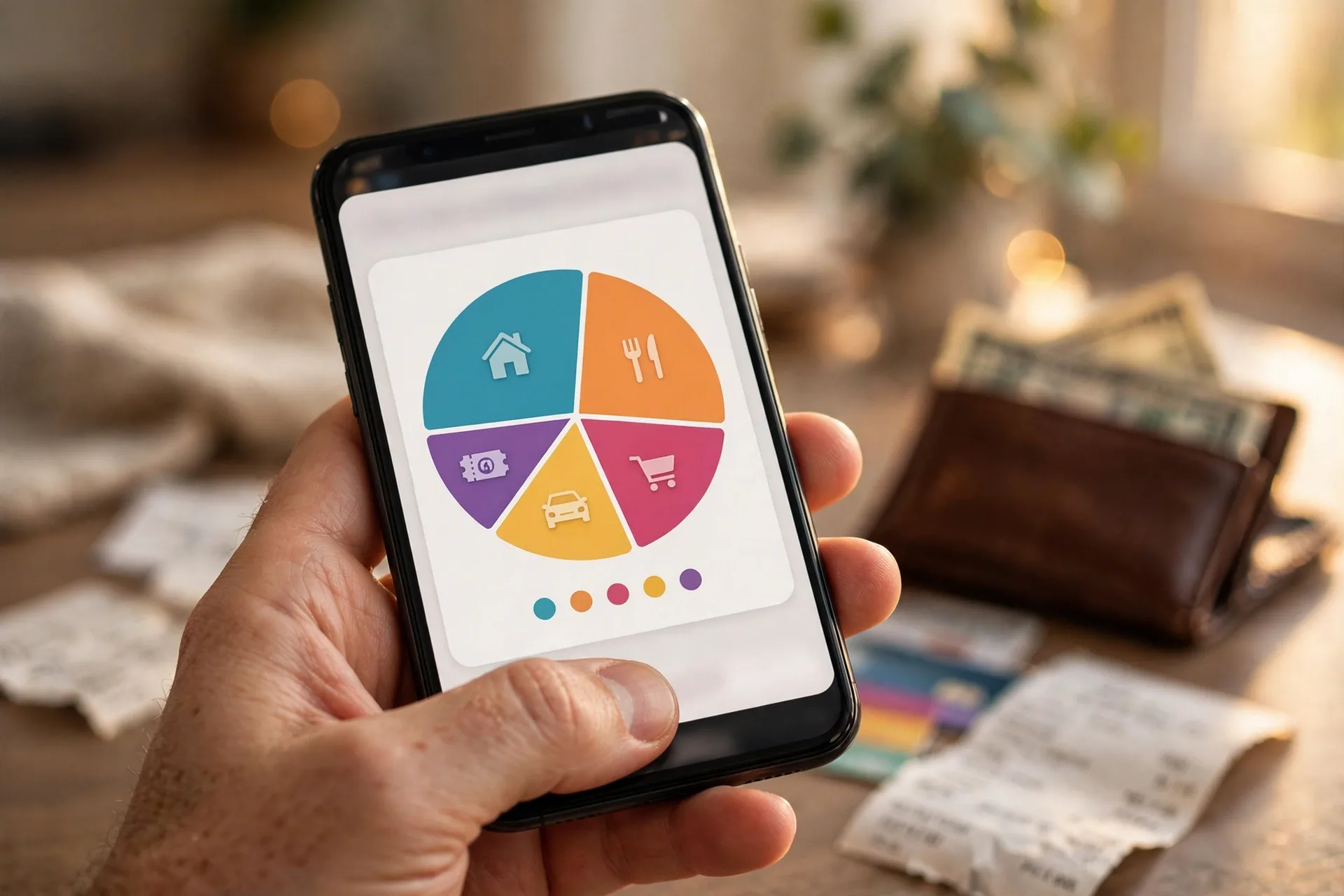
Payday arrives, you feel rich for about four days, and then the money quietly evaporates. A few subscriptions here, some takeout there, one “small” online order, and suddenly you are checking your balance with one eye closed. The best budgeting apps of 2026 fix exactly this. They connect to your bank accounts, sort your spending automatically, and show you in plain numbers where every dollar went.
In this guide, you will meet the seven best budgeting apps of 2026, each matched to a different kind of budgeter, plus the best free budget templates for spreadsheet and paper fans. By the end, you will know exactly which tool fits your life and how to set it up in 30 minutes.
Key Takeaways
- Match the app to your style: YNAB for strict zero-based budgeting, Monarch for couples, Rocket Money for subscription tracking, EveryDollar for simplicity, Simplifi for forecasting, Goodbudget for envelopes, Copilot for Apple users.
- Free tiers are genuinely good: Rocket Money, EveryDollar, and Goodbudget all offer useful free plans.
- Premium apps cost $60 to $180 a year and pay for themselves if they save you even $15 a month.
- Free budget spreadsheet templates work perfectly if you prefer hands-on control, especially the 50/30/20 template.
- Set aside 30 minutes to set up: connect accounts, set category limits, and schedule a weekly 10-minute review.
What Is a Budgeting App (And How Is It Different From a Budget Template)?
A budgeting app is software, usually on your phone, that connects to your bank accounts, imports transactions automatically, and sorts them into spending categories. A budget template is a pre-built spreadsheet or printable sheet where you type your own numbers. Apps automate the boring parts; templates give you full manual control. Many beginners start with a template to learn the habit, then graduate to an app.
Why Should You Use a Budgeting App Instead of Just Guessing?
Because guessing costs you money. Most people underestimate their monthly spending by hundreds of dollars, mostly on subscriptions, food delivery, and small impulse buys they never add up. A budgeting app shows your real spending in real time and flags when a category is running hot. People who track spending consistently save more within the first two months, often without feeling deprived.
The 7 Best Budgeting Apps for 2026
There is no single winner, because the best budgeting app is the one you will actually open every week. Here are the seven worth your time or money in 2026.
1. YNAB (You Need A Budget): Best Zero-Based Budgeting App
YNAB is the best budgeting app for people who want every dollar assigned a job before the month starts, using strict zero-based budgeting where your income minus every planned expense equals zero. It costs $14.99 a month or $109 a year, with a 34-day free trial that asks for no credit card. The learning curve is real, and month one feels like homework, but users who stick with it report saving hundreds in the first 90 days. If casual budgeting apps never stuck, this is the one that finally works.
2. Monarch Money: Best Budgeting App for Couples
Monarch Money is the best budgeting app for couples who share money, combining a shared budget with full net-worth tracking, investment syncing, and joint plus individual views so both partners see the same numbers. It costs $14.99 a month or $99.99 a year, with new members often getting 30 percent off the first year. Couples call the shared dashboard the feature that ended their money arguments. If you manage money with a partner, start here.

3. Rocket Money: Best App for Subscription Tracking
Rocket Money is the best budgeting app if your money leaks through forgotten subscriptions. Its free tier scans your linked accounts and lists every recurring charge in one place, and Premium adds bill negotiation. One 15-minute subscription audit inside the app commonly recovers $50 to $200 a month for households that have never done one. Pair it with a stricter system like YNAB or EveryDollar, because Rocket Money tracks brilliantly but plans loosely.
4. EveryDollar: Best Simple Free Budgeting App
EveryDollar is the best free budgeting app for beginners who want zero-based budgeting without a learning curve. The free tier gives you a clean monthly budget you fill in yourself, while the $79.99-a-year Premium tier adds automatic bank syncing. Setup takes about 15 minutes: name your income, assign every dollar to a category, done. If complexity killed your last budgeting attempt, this app removes every excuse.
5. Quicken Simplifi: Best Budgeting App for Cash-Flow Forecasting
Simplifi is the best budgeting app for people who want to see what their money will do next. At $5.99 a month billed annually, it offers reliable bank syncing, smart categorization, spending watchlists, and a forward-looking view that warns you before a bill would overdraft your account. It lacks deep household features, so couples may prefer Monarch, but solo budgeters love the “safe to spend” number it puts front and center.
6. Goodbudget: Best Digital Envelope Budgeting App
Goodbudget is the best budgeting app for cash-envelope fans who refuse to link a bank account. The free tier gives you 10 digital envelopes; the $10-a-month or $80-a-year Plus plan unlocks unlimited envelopes. You enter spending manually, and that manual entry is the discipline: every purchase forces a 10-second decision. It also syncs between partners’ phones, making it excellent for couples on the free tier.
7. Copilot Money: Best Designed Budgeting App for Apple Users
Copilot Money is the best budgeting app for iPhone and Mac users who only stick with software that feels beautiful. At $13 a month or $95 a year, it is Apple-only, but its intelligent categorization and gorgeous daily review make checking your money feel less like a chore. If you abandoned other apps because they felt clunky, Copilot might be the one that finally sticks.
Which Budgeting App Is Right for You?
Match the app to your personality. Want strict rules? Pick YNAB or EveryDollar. Prefer gentle tracking? Pick Rocket Money or Simplifi. Budgeting with a partner? Monarch is the clear pick. Refuse to link your bank? Goodbudget was built for you. Finally, be honest about the price: a $109-a-year app you open daily beats a free app you ignore. Test your top two picks for two weeks each before committing.
What Are the Best Free Budget Templates for 2026?
Not everyone wants an app, and that is fine. A good budget template teaches the same skills for free.
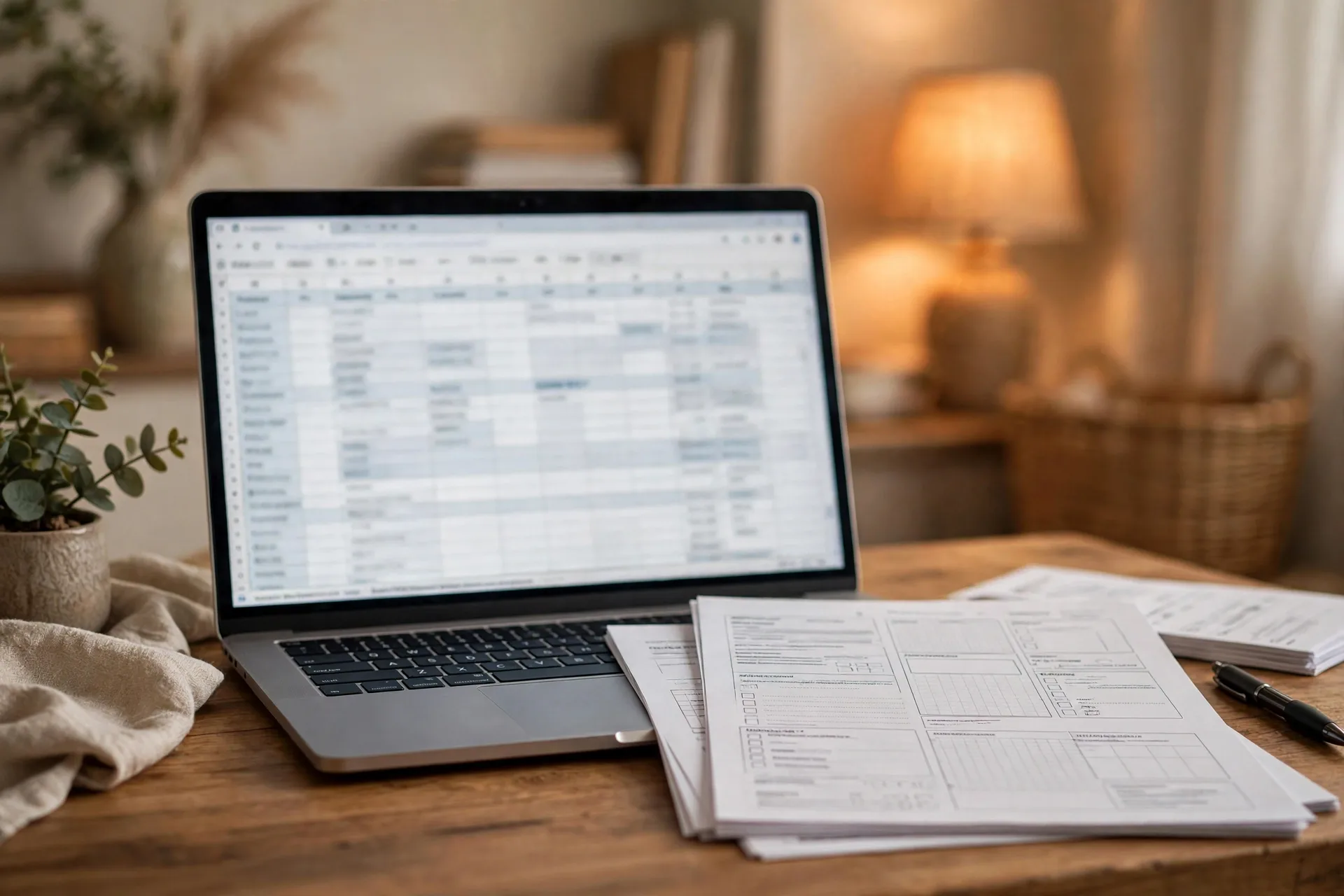
50/30/20 budget template. The simplest starting template, built around the 50/30/20 budget rule: 50 percent of take-home pay to needs, 30 percent to wants, 20 percent to savings. Google Sheets has free versions, and it takes 10 minutes to fill in.
Monthly budget spreadsheet. A classic planned-versus-actual tracker across 8 to 12 categories. The “actual” column forces a monthly reckoning that builds the habit fast. Tiller automates this style for $79 a year by feeding bank transactions into Google Sheets or Excel, ideal for spreadsheet loyalists.
Cash envelope printable. A simple printable with envelope labels for groceries, fun money, and transport. Pair it with the Goodbudget method, or real paper envelopes, if manual budgeting keeps you honest.
Avoid templates with 30 categories and color-coded tabs, one of the classic budgeting mistakes beginners make. If maintaining your template takes more than 10 to 15 minutes a week, you will quit. Simple and followed beats perfect and abandoned.
How Do You Set Up a Budgeting App in 30 Minutes?
A budgeting app only works if you set it up completely on day one. Minutes 1 to 10: link checking, your main credit card, and savings, then fix the auto-categorization mistakes so the app learns your spending. Minutes 11 to 20: set monthly targets from your actual recent spending, using 6 to 8 broad categories. Being realistic in month one matters more than being ambitious. Minutes 21 to 30: turn on alerts at 80 percent of each category, schedule a weekly 10-minute review, and automate a payday savings transfer. Redirect the money you free up: even $50 a month becomes $600 a year toward building an emergency fund from scratch.
What Mistakes Should You Avoid With Budgeting Apps?
The app is not the system; your habits are. The biggest mistake is downloading an app and never opening it again, because without the weekly review it is just a mirror you never look into. The second is setting fantasy budgets: cutting dining out to zero when you eat out four times a week guarantees a blown month and a deleted app. Start with real numbers, then trim 10 percent a month. The third is tracking without a goal. Money you save needs a job, or it drifts back into spending. Pair your app with a target, like the easy ways to save money every month that free up cash to redirect.
Frequently Asked Questions
What is the best free budgeting app in 2026?
Rocket Money’s free tier is best for finding forgotten subscriptions, EveryDollar’s free tier is best for simple zero-based budgeting, and Goodbudget’s free tier is best for digital envelope budgeting without linking a bank. All three are genuinely useful without paying.
How much does a good budgeting app cost?
Most premium budgeting apps cost $60 to $180 a year in 2026. YNAB and Monarch sit near the top at $99 to $109 a year, Simplifi costs about $72 a year, and EveryDollar Premium is $79.99 a year. The app pays for itself if it saves you even $15 a month.
Are budgeting apps safe to link to my bank account?
Yes. Reputable budgeting apps use bank-level encryption and read-only connections through services like Plaid, so the app can see transactions but cannot move your money. Stick to well-known apps, enable two-factor authentication, and never share your banking password outside a secure connection flow.
Should I use a budgeting app or a spreadsheet?
Use an app if you want automation and real-time alerts with minimal effort, and a spreadsheet if you prefer full control, privacy, or a zero-cost option. Beginners who hate maintenance do better with apps. Tiller splits the difference by auto-feeding transactions into your own spreadsheet.
Do budgeting apps actually help you save money?
Yes, because they replace guessing with data. Most people discover $150 to $300 a month in spending they did not know existed once they track for 30 days, usually in subscriptions, dining out, and impulse buys. The savings come from the weekly review and the category limits you set.
The Bottom Line
The best budgeting app of 2026 is the one that matches how your brain works. Want strict rules? Get YNAB. Budgeting with a partner? Get Monarch. Drowning in subscriptions? Start with Rocket Money’s free tier. Prefer spreadsheets? Grab a free 50/30/20 template today.
Pick one tool this week, give it the full 30-minute setup, and schedule your first weekly review. In 90 days, you will know exactly where your money goes. Want your savings to earn while they wait? Park your emergency fund in a high-yield savings account.
This article is for general information only and is not financial advice.