

Introduction
The best crypto wallets for beginners in 2026 are Coinbase Wallet, Zengo, Trust Wallet, Exodus, MetaMask, Phantom, and Ledger Nano S Plus. Coinbase Wallet is the best overall pick, Zengo is the best pick if you fear losing a seed phrase, and Ledger Nano S Plus is the best hardware wallet for long-term storage.
A crypto wallet is a tool that stores the private keys that control your crypto, while the coins stay on the blockchain. This guide compares the 7 wallets on price, coin support, recovery, and ease of use, then shows the full cost of a first $100 buy, a 5-step setup, a 7-day first-week plan, the 2026 incidents to learn from, and the tax records to keep. You will finish with a clear pick for your first coin, your first amount, and your first transfer.
Key Takeaways
- The best crypto wallets for beginners in 2026 are Coinbase Wallet, Zengo, Trust Wallet, Exodus, MetaMask, Phantom, and Ledger Nano S Plus.
- A crypto wallet stores private keys, not coins: coins stay on the blockchain, and keys control access to them.
- Start with a free hot wallet for learning, and add a hardware wallet when your balance passes $500 to $1,000.
- A seed phrase of 12 or 24 words restores a whole wallet: store it offline on paper or metal, and never share it or photograph it.
- Send a small test amount first, check the full address on screen, and keep tax records from the first buy, because a later sale can count as a taxable event.
What Is a Crypto Wallet?
A crypto wallet is a device, program, or online service that stores the public and private keys for cryptocurrency transactions, and the wallet signs each transfer with the private key while the coins stay on the blockchain. A public key creates a receiving address, and a private key proves ownership.
A crypto wallet comes in 4 main forms: an exchange account, a phone or browser app, a hardware device, and a paper or metal backup. The cryptocurrency wallet guide on Wikipedia gives the same broad definition and lists software wallets, paper wallets, and hardware wallets as main forms. When you pick a crypto wallet for beginners, the form matters less than one question: who holds the private keys, you or a company?
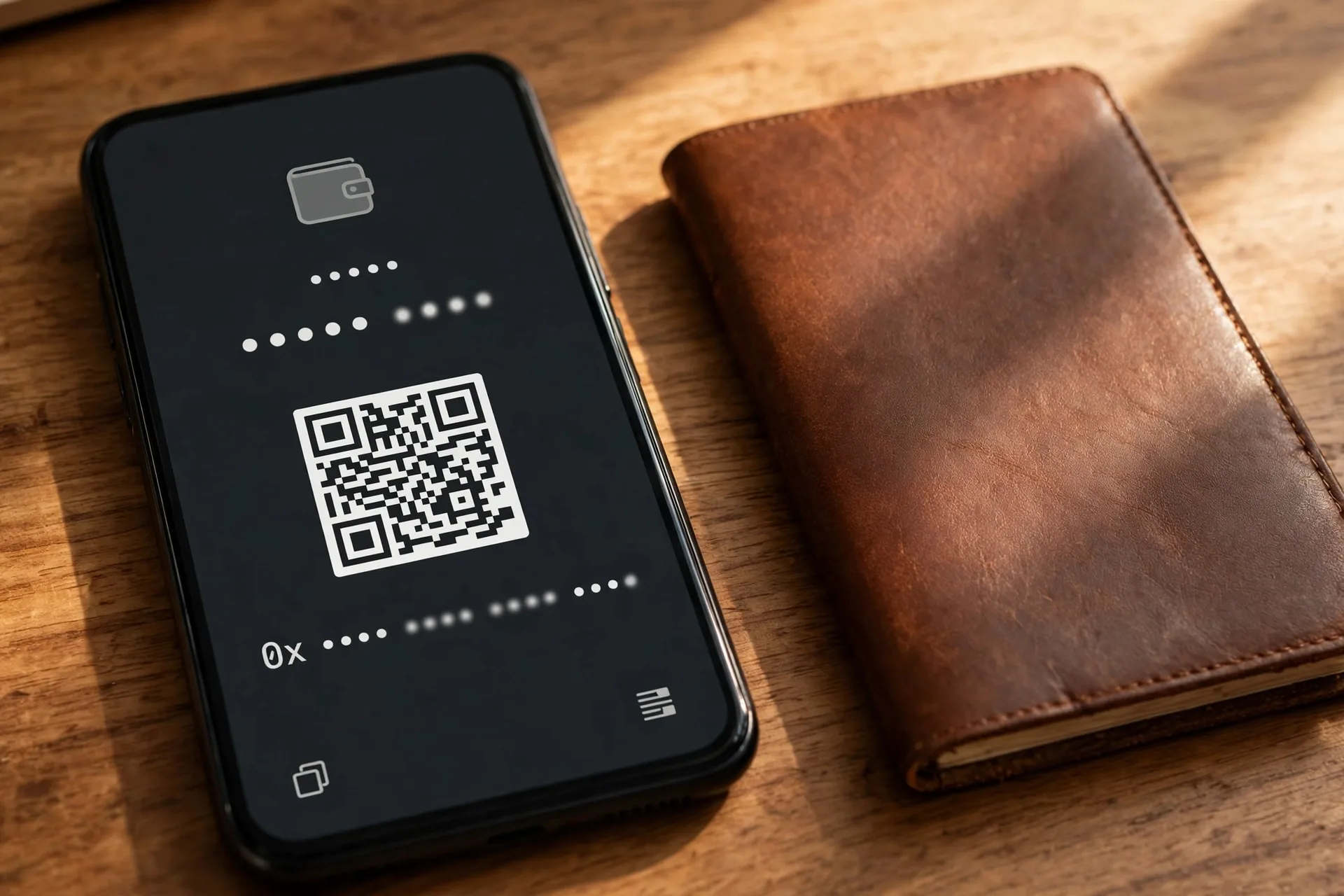
A seed phrase, also called a recovery phrase, is a list of 12 or 24 ordinary words that restores a whole wallet. The wallet derives all private keys from that word list, so entering the words in order on a new device restores the same wallet. Lose the device and the seed phrase together, and the crypto is gone for good. Share the seed phrase with one person, and that person controls the wallet.
A custodial wallet is a wallet where a company holds the private keys for you. An exchange account is the most common custodial wallet. A self-custody wallet is a wallet where you hold the private keys. Every wallet in the top 7 list below is a self-custody wallet except the exchange accounts named for comparison. Browse the Cryptocurrency guides to compare crypto basics before you pick a wallet for a first purchase.
Hot Wallet vs Cold Wallet: Which One Should a Beginner Start With?
A beginner should start with a hot wallet, because a hot wallet is free, sets up in minutes, and fits a small learning amount, while a cold wallet fits larger amounts held for months, because a cold wallet keeps private keys offline on a hardware device.
A hot wallet is a wallet that keeps private keys in an internet-connected app, browser extension, or exchange account so transactions can be sent at once. Examples include mobile apps, browser extensions, and exchange accounts. Most hot wallets are free, set up in minutes, and connect to trading apps with a few taps.
A cold wallet is a wallet that keeps private keys offline on a hardware device or on paper so no internet connection can reach the keys during storage. Hardware wallets sign transactions inside a sealed chip, and the private key never leaves the device. Cold wallets cost about $50 to $250 for common models and take 20 to 40 minutes to set up.
| Feature | Hot wallet | Cold wallet |
|---|---|---|
| Internet connection | Always online | Offline during storage |
| Examples | Mobile apps, browser extensions, exchange accounts | Hardware devices, paper wallets |
| Cost | Free in most cases | About $50 to $250 for hardware |
| Setup time | Minutes | 20 to 40 minutes for a first setup |
| Ease of use | High, fast sends and swaps | Lower, extra steps per send |
| Security against remote attacks | Lower, online exposure | Higher, keys stay offline |
| Best use | Small amounts, frequent use | Larger amounts, long-term storage |
| Main risk | Phishing, malware, exchange failure | Lost seed phrase, fake device, physical damage |
Hot wallets carry 4 clear risks. Malware can read keys or swap a copied address for an attacker address. Phishing sites and fake apps can trick a user into typing a seed phrase into a false form. An exchange account adds risk, because the exchange holds the keys and can freeze withdrawals. Read the hot vs cold crypto wallets guide for the full side-by-side setup steps before you pick a device.
The 7 Best Crypto Wallets for Beginners in 2026
The 7 best crypto wallets for beginners in 2026 are Coinbase Wallet for the easiest start, Zengo for no seed phrase, Trust Wallet for the most coins, Exodus for desktop and mobile, MetaMask for Ethereum apps, Phantom for Solana, and Ledger Nano S Plus for hardware storage.
| Wallet | Type | Price | Recovery | Best for |
|---|---|---|---|---|
| Coinbase Wallet | Hot, self-custody | Free | 12-word phrase, cloud backup option | Best overall for beginners |
| Zengo | Hot, self-custody (MPC) | Free, Pro $49.99 per year | No seed phrase, email plus face scan plus cloud file | Beginners afraid of losing a seed phrase |
| Trust Wallet | Hot, self-custody | Free | 12-word phrase | Holding coins across many networks |
| Exodus | Hot, self-custody | Free | 12-word phrase | Desktop and mobile in one view |
| MetaMask | Hot, self-custody | Free | 12-word phrase, social-login option | Ethereum apps and DeFi |
| Phantom | Hot, self-custody | Free | 12-word phrase | Solana tokens and NFTs |
| Ledger Nano S Plus | Hardware, cold | $79, often $59 on sale | 24-word phrase | Long-term storage on a budget |
1. Coinbase Wallet: Best Overall for Beginners
Coinbase Wallet is the best crypto wallet for beginners because it has the friendliest setup of any self-custody wallet, supports 1,000 or more coins across 10 or more chains, and moves funds from a Coinbase exchange account in one tap.
Coinbase Wallet is a free self-custody wallet made by Coinbase, and it is a separate product from the Coinbase exchange. You hold the keys. The app supports Bitcoin (BTC), Ethereum (ETH), Solana (SOL), Dogecoin (DOGE), and 1,000 or more coins, plus NFTs. A cloud backup option stores an encrypted copy of the recovery phrase, which helps beginners who fear losing paper.
Watch out for 2 points. First, the name changed twice: Coinbase renamed Coinbase Wallet to the Base app in July 2025, then changed the name back to Coinbase Wallet on September 10, 2026. An old tutorial that says “open the Base app” means this wallet. Second, Coinbase Wallet ended support for Dogecoin, Litecoin, zkSync Era, and more networks on August 15, 2026, so check current chain support before you move an older coin.
2. Zengo: Best Wallet With No Seed Phrase
Zengo is the best crypto wallet for beginners who fear losing a seed phrase, because Zengo uses multi-party computation (MPC) to split the private key into shares, so no 12-word phrase exists to lose.
Zengo is a free mobile wallet that launched in 2019. Zengo uses MPC technology to split the private key into 2 encrypted shares, one on the phone and one on Zengo servers, and both shares must sign a transaction. Recovery uses 3 factors: an email, an encrypted cloud backup file, and a 3D face scan. A test restore on a second phone takes minutes and needs no written backup.
Zengo supports thousands of tokens across 14 or more chains, including Bitcoin, Ethereum, and Dogecoin. The core app is free, and Zengo Pro costs $49.99 per year for extras such as theft protection and inheritance transfer. The trade-off is reliance on Zengo servers to co-sign, and fewer chains than Trust Wallet. Zengo has served over 1.5 million users since 2019 with no reported wallet compromises in that period, per a February 2025 Tether announcement (Source: Zengo, 2025).
3. Trust Wallet: Best for Holding Many Coins
Trust Wallet is the best crypto wallet for beginners who hold coins across many networks, because Trust Wallet supports 100 or more blockchains in one free mobile app.
Trust Wallet is one of the most downloaded crypto wallets in the world, with over 220 million users. The app supports Bitcoin, Ethereum, Solana, BNB Chain, and 100 or more blockchains, plus NFTs, staking, and a built-in decentralized app (dApp) browser. A security scanner checks each address before the confirmation screen, and the scanner flagged over $191 million in risky transactions in 2025 (Source: Trust Wallet, 2026).
Trust Wallet uses a standard 12-word seed phrase, so backup discipline matters. Use the mobile app, not the browser extension: a malicious update to extension version 2.68 on December 25, 2025 drained 2,520 wallet addresses, and about $8.5 million in assets was affected (Source: Trust Wallet, 2025). Mobile users were not affected.
4. Exodus: Best Desktop and Mobile Wallet
Exodus is the best crypto wallet for beginners who want one clear portfolio view on desktop and mobile, because Exodus syncs both apps, shows live charts, and swaps coins inside the wallet.
Exodus is a free self-custody wallet for Windows, macOS, Linux, iOS, and Android. The wallet supports 250 or more coins, shows a portfolio chart on the home screen, and swaps coins without an exchange account. Exodus pairs with a Trezor hardware wallet later, so a beginner can move to cold storage without changing apps. Exodus offers 24/7 live support, which few free wallets offer.
Exodus is closed-source, and built-in swap fees run higher than a regular exchange. The wallet uses a standard 12-word recovery phrase. Exodus suits a beginner who works on a laptop and wants to track holdings in one place.
5. MetaMask: Best Wallet for Ethereum and DeFi
MetaMask is the best crypto wallet for beginners who plan to use Ethereum apps, because nearly every Ethereum app connects to MetaMask first, and MetaMask now supports Bitcoin and Solana too.
MetaMask is the most widely used wallet for Ethereum and its Layer 2 networks, such as Arbitrum and Base. MetaMask is no longer EVM-only: Solana support arrived in May 2025, and native Bitcoin support arrived in December 2025. MetaMask runs as a browser extension and a mobile app, and it pairs with Ledger and Trezor devices, so a beginner can keep MetaMask as the interface and make the hardware wallet the signer.
MetaMask uses a 12-word Secret Recovery Phrase, with a social-login recovery option now available. MetaMask is the biggest phishing target in crypto, because its popularity draws fake sites. Type the address yourself, bookmark the real site, and never type a seed phrase into a website.
6. Phantom: Best Wallet for Solana
Phantom is the best crypto wallet for beginners who buy Solana tokens, because Phantom is the default wallet for most Solana apps, with fast swaps, built-in staking, and automatic scam filtering.
Phantom started as a Solana wallet and now handles Ethereum, Bitcoin, Base, Polygon, and BNB Chain. The app shows a visual NFT gallery, tracks profit and loss on Solana tokens, and flags known scam sites before a transaction. Phantom runs as a browser extension and a mobile app.
Phantom uses a 12-word recovery phrase, including for wallets created with Google or Apple. Support can change: Phantom ended Sui support on September 24, 2026, and affected users had to restore credentials in a compatible Sui wallet. Check current chain support before you move a coin.
7. Ledger Nano S Plus: Best Hardware Wallet for Beginners
Ledger Nano S Plus is the best hardware wallet for beginners, because it costs $79, stores keys on a certified EAL6+ Secure Element chip, and supports 5,000 or more coins through the Ledger Wallet app.
Ledger Nano S Plus connects by USB-C to a computer or Android phone, and it works with the Ledger Wallet app (formerly Ledger Live). The app runs a Genuine Check that confirms the device is authentic before setup. The device supports 5,000 or more coins directly and 15,000 or more assets through third-party wallets. The Nano S Plus has no Bluetooth and no iOS support, so iPhone users need a desktop or Android device.
Buy direct from Ledger or an approved seller, and check the seal. A fake device from an unofficial seller can carry tampered software. The main alternatives are Trezor Safe 3 at $59 to $79 with open-source firmware and an EAL6+ chip, and Tangem at $54.90 for a 2-card set, which taps to a phone and needs no cable or battery. Prices change often, so confirm at checkout.
New to buying crypto? Read how to buy your first crypto safely in 5 steps before you fund any wallet.
How Much Does a Crypto Wallet Cost?
A crypto wallet costs $0 to start with a free hot wallet app, and a hardware wallet costs $54.90 to $149, while a $100 first buy keeps about $92 to $95 in Bitcoin after card, provider, and network fees, in 2026.
A $100 card purchase loses money in 3 places. A payment processor fee takes 1 to 3 percent, a provider fee takes 1 to 2 percent, and a network fee varies with blockchain congestion. A $100 purchase yields about $92 to $95 in actual Bitcoin. A bank transfer costs less than a card buy on most exchanges, and a bank transfer can take 1 to 3 business days to clear.
| Cost item | Amount on a $100 buy |
|---|---|
| Payment processor fee | $1 to $3 |
| Provider or exchange fee | $1 to $2 |
| Network fee | $1 to $5, varies by chain and congestion |
| Bitcoin received | About $92 to $95 |
Hardware cost should be measured against the balance it protects. A $59 device equals 11.8 percent of a $500 holding, 5.9 percent of a $1,000 holding, 1.18 percent of a $5,000 holding, and 0.59 percent of a $10,000 holding. A hardware wallet makes sense when the balance passes $500 to $1,000. A $100 learning balance does not need a $59 device yet.
How to Set Up Your First Crypto Wallet in 5 Steps
To set up your first crypto wallet in 5 steps, download the official app, create a new wallet, write down the seed phrase on paper, set a PIN and biometric lock, and send a small test amount first, then send the rest after the test arrives.
- Download from the official source. Type the wallet address yourself, or use the verified listing in the App Store or Google Play. Fake wallet apps are one of the most common crypto scams.
- Create a new wallet. The app generates your keys. If the app gives you a recovery phrase of 12 words, write it on paper by hand, in order, with no photo.
- Store the recovery phrase somewhere safe. A drawer at home beats a phone note. A fireproof safe beats a drawer. A second copy in a separate safe spot beats one copy.
- Turn on the extras. Enable a PIN, Face ID, or fingerprint lock in the wallet settings, and turn on app-based two-factor authentication where offered.
- Send a small test amount. Copy the wallet address from the Receive screen, paste it into the exchange withdrawal screen, and send $5 first. Send the rest only after the test arrives.
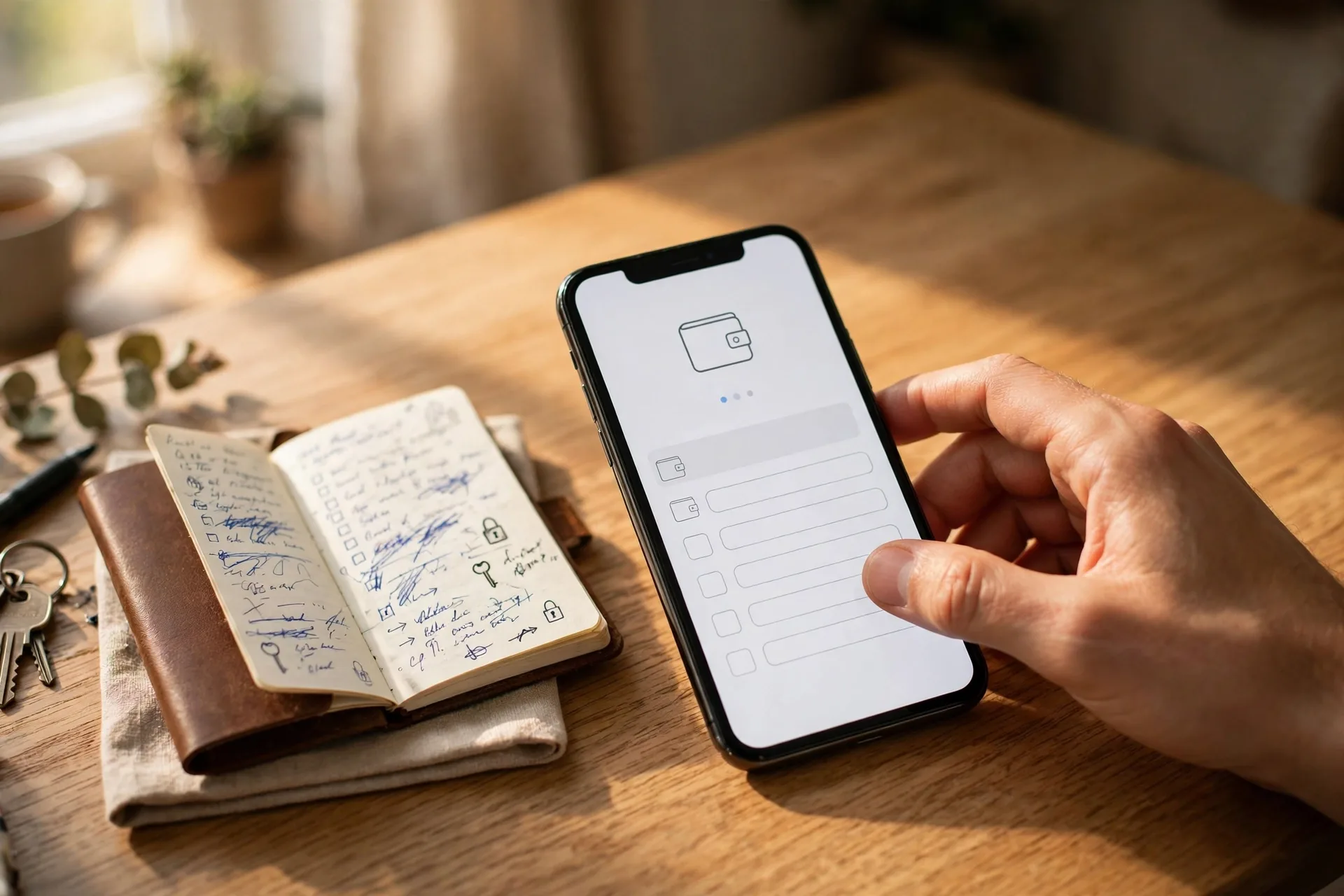
Your First Week With a New Wallet: A 7-Day Plan
Your first week with a new wallet follows a 7-day plan: buy on day 1, install and back up on day 2, test recovery on day 3, lock the app on day 4, run a test send on day 5, review approvals on day 6, and move long-term funds on day 7.
- Day 1: Buy, do not withdraw yet. Buy on a regulated exchange first. The coins land in the exchange account.
- Day 2: Install from the official site only. Type the wallet address yourself. Do not tap search ads. Write the seed phrase on paper or metal.
- Day 3: Run a recovery drill. Before funding the wallet, wipe it or use a second phone, then restore from the written phrase. If the restore fails, you have lost nothing yet. When I tested a recovery drill on a second phone, the restore took under 5 minutes with a written phrase, and that test is what made me trust the backup.
- Day 4: Turn on the PIN and biometric lock. For hardware wallets, update firmware through the official app.
- Day 5: Run the test send. Copy the address from the Receive screen, send a small amount, and confirm it arrives.
- Day 6: Revoke old approvals. Open the connected-sites or approvals screen and remove any app you no longer use.
- Day 7: Move long-term funds. Move amounts above your monthly spending level to the wallet you control, and keep only trading money on the exchange.
Read how to store crypto safely for the full 7-step storage plan, including the inheritance plan for your family.

What Can Go Wrong With a Crypto Wallet in 2026?
A crypto wallet can go wrong in 2026 through fake apps, a compromised browser extension, a leaked seed phrase, a bad approval, or a copied address, and each failure has a fix: official downloads, a mobile app, an offline backup, a read-before-sign check, and a full address check.
Most beginner losses are not hacks of the wallet itself. The losses come from a user being tricked into handing over keys or signing away funds. Chainalysis tracked more than $3.4 billion in crypto stolen between January and early December 2025, and a single breach at the Bybit exchange in February 2025 accounted for $1.5 billion of that total (Source: Chainalysis, 2026). The FBI Internet Crime Complaint Center (IC3) counted 181,565 crypto-related complaints and 11.4 billion dollars in reported losses in the United States in 2025 (Source: FBI, 2026).
| Incident | What happened | Fix |
|---|---|---|
| FakeWallet apps, April 2026 | 26 fake wallet apps on the App Store impersonated MetaMask, Ledger, Trust Wallet, and Coinbase | Download only through links on the official site, and check the developer name |
| Trust Wallet extension, December 2025 | Malicious update to version 2.68 drained 2,520 addresses, about $8.5 million affected | Use the mobile app, update to version 2.69 or later |
| Ledger data leak, January 2026 | Customer names, contacts, and order data exposed through payment partner Global-e, no seed phrases leaked | Ignore fake “security update” letters and emails that ask for 24 words |
| Address poisoning, December 2025 | A trader copied a lookalike address from history and sent about $50 million in USDT to an attacker | Copy the address from the Receive screen each time, and check the full address |
| Phishing approvals, 2025 | Scam Sniffer counted $83.85 million in phishing losses across 106,106 victims in 2025 | Read what you sign, revoke old approvals, and keep a spending wallet separate |
Do You Need a Hardware Wallet Yet?
You need a hardware wallet when your crypto balance passes $500 to $1,000, when you plan to hold for months, or when losing the balance would hurt, and a free hot wallet stays the right pick for a small learning amount under $500.
Use this list to decide:
- Use a hot wallet only when your balance is under $500 and you send crypto each week or learn with a small amount.
- Add a hardware wallet when your balance passes $500 to $1,000, when you hold for months, or when a loss would hurt for weeks.
- Use both wallets when you trade with crypto and also save for a long goal: a hot wallet holds a month of spending, and a cold wallet holds the rest.
- Use an exchange account only for active trading money, and accept that the exchange holds the keys.
Ledger Nano S Plus at $79 is the standard pick, Trezor Safe 3 at $59 to $79 is the open-source pick, and Tangem at $54.90 is the simplest pick for phone-only users. All 3 use a secure chip, and all 3 need a written seed phrase backup. A hardware wallet is not required for a first small buy, and a hardware wallet suits larger long-term holdings.
How Do Crypto Wallets and Taxes Work?
Crypto wallets and taxes work in two parts: moving crypto between wallets you own is not a taxable event, and selling, swapping, or spending crypto can create a capital gain or loss that you report on Form 8949, with broker sales reported on Form 1099-DA.
The Internal Revenue Service (IRS) treats digital assets as property, not as currency, for tax purposes. A sale can produce a capital gain or a capital loss. The IRS digital assets guidance explains the digital assets question on the tax return, the record rules, and the broker reporting rules. Brokers must report gross proceeds on Form 1099-DA for sales on or after January 1, 2025, and brokers must report basis on certain sales on or after January 1, 2026.
Your exchange Form 1099-DA only knows what happened on that exchange. Once coins leave, the exchange stops tracking your cost basis, which is what you originally paid. Since 2025, the IRS expects cost basis to be tracked wallet by wallet. Keep a record of each buy date, coin name, coin amount, dollar amount, fee, wallet address, and sale date from the first buy, because exchange records can change or lose old data.

Frequently Asked Questions
What is the best crypto wallet for beginners?
Coinbase Wallet is the best crypto wallet for beginners, because it has the friendliest setup, supports 1,000 or more coins, and moves funds from a Coinbase account in one tap. Zengo is the best pick if you fear losing a seed phrase, because Zengo has no seed phrase. Ledger Nano S Plus is the best hardware pick.
Is a crypto wallet free?
Yes, a hot crypto wallet is free, because Coinbase Wallet, Zengo, Trust Wallet, Exodus, MetaMask, and Phantom all cost $0 to download and use. You pay network fees on sends and swaps, and a provider fee on in-app buys. A hardware wallet is the only cost: Tangem starts at $54.90, and Ledger Nano S Plus costs $79.
Do I need a hardware wallet as a beginner?
No, a beginner does not need a hardware wallet on day one, because a free hot wallet with a small amount teaches the basics at no cost. Add a hardware wallet when your balance passes $500 to $1,000, when you hold for months, or when losing the balance would hurt. A $100 balance does not need a $59 device yet.
What happens if I lose my seed phrase?
If you lose your seed phrase and lose the device too, the crypto is gone for good, because no company can reset keys for a self-custody wallet. If you still have access to the wallet, create a new wallet, back up the new phrase on paper, and move the funds. Seedless wallets such as Zengo exist for this reason.
Can I keep Bitcoin and Ethereum in one wallet?
Yes, you can keep Bitcoin and Ethereum in one wallet, because Trust Wallet, Coinbase Wallet, Phantom, and Exodus all support both coins. MetaMask added native Bitcoin support in December 2025, so MetaMask also holds both. Check chain support before you move a coin, because support can change, as Phantom Sui support did in 2026.
Is it safe to keep crypto on an exchange?
Keeping a small amount on an exchange for active trading is common, but keeping a large amount on an exchange carries risk, because the exchange holds the keys. Exchanges can freeze withdrawals, suffer hacks, or fail, and holders then hold a claim rather than direct control. Move funds you do not trade to a wallet you control.
Conclusion
The best crypto wallets for beginners in 2026 are Coinbase Wallet, Zengo, Trust Wallet, Exodus, MetaMask, Phantom, and Ledger Nano S Plus, and the right pick depends on your first job: Coinbase Wallet for the easiest start, Zengo for no seed phrase, and Ledger Nano S Plus for long-term storage.
Start with a free hot wallet and $25 to $50, learn the buy screen and the wallet transfer, run a recovery drill before you fund the wallet, and add a hardware wallet when your balance passes $500 to $1,000. Protect the seed phrase offline from day one, check the full address before each send, and keep tax records from the first buy. Savvy Cash Flow publishes beginner money guides that keep crypto, budgeting, and saving in plain terms. This article gives general information only, and this article is not financial advice.