


Introduction
To store crypto safely, keep long-term holdings in a hardware wallet with keys offline, back up the 12-word or 24-word seed phrase on paper or metal in two separate places, and protect every exchange and email account with an authenticator app instead of SMS codes. Crypto transfers cannot be reversed, so prevention is the only protection you have.
This guide shows you how to store crypto safely in 7 clear steps, from picking the right wallet type to setting up a hardware wallet, protecting your seed phrase, and splitting your holdings by use. You will see a side-by-side comparison of exchange, hot, and cold storage, a dollar-based split rule for every balance size, and the 5 mistakes that cost holders the most money. You will also get an emergency plan for an exposed seed phrase and an inheritance plan for your family.
Key Takeaways
- A crypto wallet stores private keys, not coins: coins live on the blockchain, and keys control access to them.
- Keep long-term holdings in a cold hardware wallet, keep small spending amounts in a hot wallet, and keep only active trading money on an exchange.
- Your seed phrase is the master backup for your whole wallet: write it down offline in two separate places, and never type it into a website or share it with anyone.
- Send a small test transaction first when you move a large amount, and check the full receiving address on your device screen before you confirm.
- Plan for inheritance now: a written handover letter tells your family where the backups are and how to restore the wallet, without putting the seed phrase in a will.
What Is a Crypto Wallet?
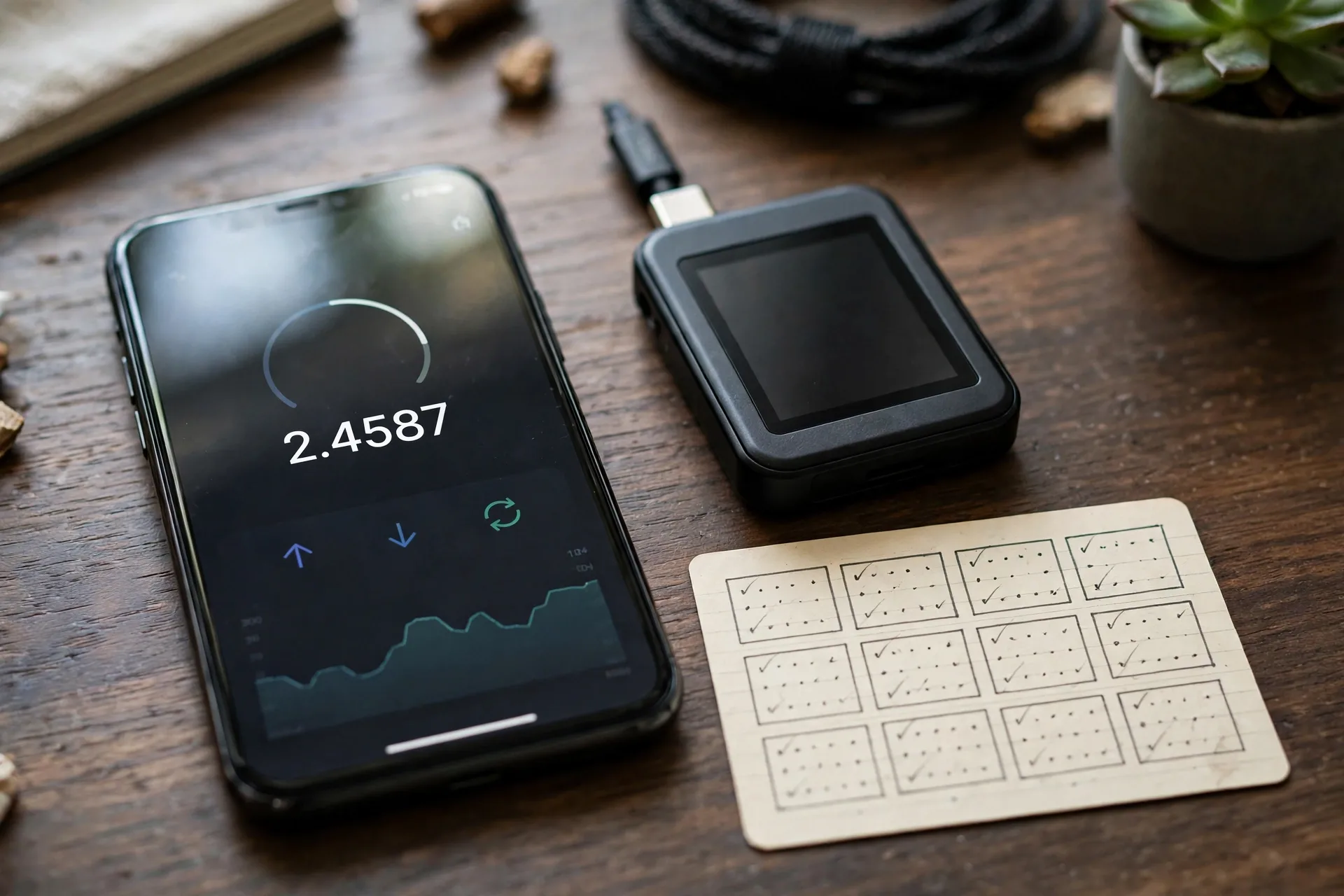
A crypto wallet is a tool that stores private keys and public keys and signs crypto transactions on a blockchain. A private key is a secret code that proves ownership and authorizes spending. A public key creates a receiving address that others use to send you crypto. Coins stay on the blockchain, not inside the app, and keys control the linked addresses.
A crypto wallet comes in 4 main forms: an exchange account, a phone or browser app, a hardware device, and a paper or metal backup. The cryptocurrency wallet guide on Wikipedia gives the same broad definition and lists software wallets, paper wallets, and hardware wallets as the main forms. When you learn how to store crypto safely, the form matters less than one question: who holds the private keys, you or a company?
A seed phrase, also called a recovery phrase, is a list of 12 or 24 ordinary words that restores a whole wallet. The wallet derives all private keys from that word list, so entering the words in order on a new device restores the same wallet. Lose the device and the seed phrase together, and the crypto is gone for good. Share the seed phrase with one person, and that person controls the wallet.
Where Can You Store Crypto?
You can store crypto in 3 places: on an exchange, in a hot wallet app, or in a cold hardware wallet. An exchange holds the keys for you. A hot wallet holds the keys on an internet-connected phone or computer. A cold wallet holds the keys offline on a hardware device. The further the key sits from the internet, the safer and less handy it gets.
An exchange account is the default place crypto lands after a buy. It is free, fast, and easy to trade from, but the exchange controls the keys and can freeze withdrawals. Exchange hacks and failures have cost holders real money: Bybit lost about $1.4 billion in crypto in a February 2025 hack (Source: SoFi, 2026). Crypto on an exchange is not covered by FDIC insurance, because FDIC insurance covers bank deposits, not crypto assets.
A hot wallet is a phone app or browser extension such as MetaMask or Trust Wallet. Hot wallets are free, set up in minutes, and give you full control of your keys. The trade-off is exposure: malware, phishing sites, and fake apps can reach keys on a connected device. Hot wallets fit small amounts and frequent use.
A cold wallet is a hardware device such as Ledger or Trezor. The private key stays in a sealed chip and never leaves the device, even when you plug it into a compromised computer. Cold wallets cost about $50 to $250 and take 20 to 40 minutes to set up. Cold wallets fit larger amounts and long-term holding. The Cryptocurrency guides on Savvy Cash Flow cover more beginner crypto topics in the same plain style.
| Feature | Exchange | Hot wallet | Cold wallet |
|---|---|---|---|
| Who holds the keys | The exchange | You, on a connected device | You, offline on a device |
| Internet connection | Always online | Always online | Offline during storage |
| Cost | Free | Free in most cases | About $50 to $250 for hardware |
| Setup time | Minutes | Minutes | 20 to 40 minutes |
| Ease of use | High | High | Lower, extra steps per send |
| Security against remote attacks | Lower, one company holds many keys | Lower, online exposure | Higher, keys stay offline |
| Best use | Active trading money only | Small amounts, frequent use | Larger amounts, long-term holding |
| Main risk | Hack, freeze, or company failure | Phishing, malware, fake apps | Lost seed phrase, fake device |
How to Store Crypto Safely in 7 Steps
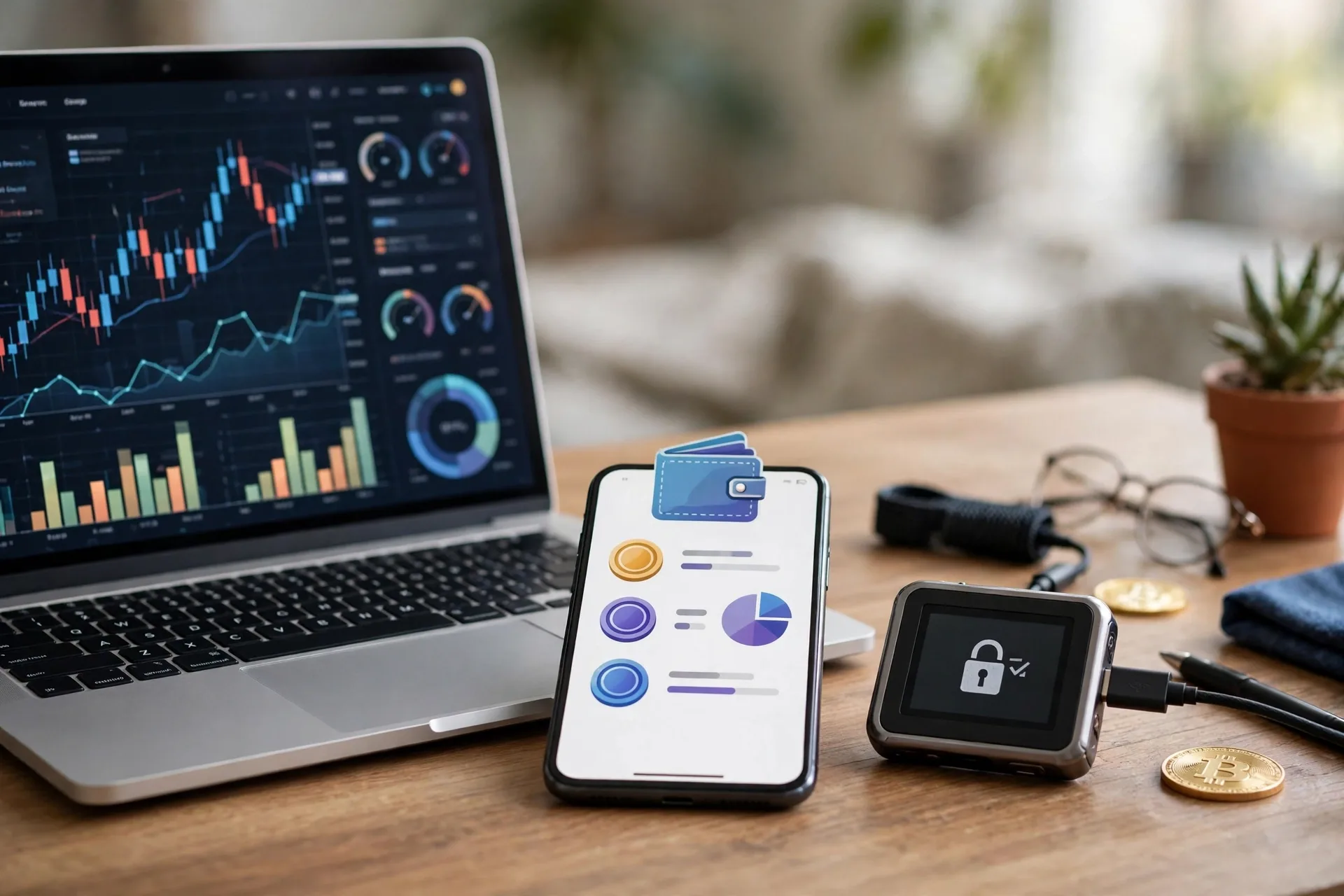
To store crypto safely, pick a wallet type for each job, set up a hardware wallet for savings, back up the seed phrase offline in two places, lock down your accounts, test every large transfer, and write an inheritance plan. The 7 steps below take about one hour for a first setup, and most of that hour goes to careful seed phrase handling.
Step 1: Split Your Holdings by Job
To split your holdings, give each part of your crypto a job: trading money stays on an exchange, spending money stays in a hot wallet, and savings move to a cold wallet. No single wallet fits all 3 jobs. A split by job limits the damage from any one failure, because a hacked exchange cannot touch your cold wallet and a lost phone cannot touch your savings.
Step 2: Set Up a Hardware Wallet for Savings
To set up a hardware wallet, buy direct from the maker, create a new wallet on the device, write down the seed phrase by hand, set a PIN, and send a small test amount first. The full setup takes 20 to 40 minutes. The section below gives the 6 setup steps in order.
Step 3: Back Up the Seed Phrase Offline in Two Places
To back up the seed phrase, write the 12 or 24 words by hand in order on paper or a metal plate, check each word twice, and store 2 copies in separate safe spots. Never photograph the phrase, never save it in a cloud note, and never type it into a website. A digital copy is a copy a thief can steal.
Step 4: Lock Down Every Account With Strong 2FA
To lock down your accounts, use a unique password of 12 or more characters for each exchange, store passwords in a password manager, and turn on authenticator-app 2FA on every exchange and on your email account. SMS codes are the weakest form of 2FA, because a SIM swap lets a criminal move your phone number to a new SIM card and receive your codes. A hardware security key is the strongest form of 2FA, and an authenticator app is a solid choice for most people.
Step 5: Send a Small Test Transaction First
To send a test transaction, move a small amount to a new address first, confirm it arrives, then send the rest. A test send costs one extra network fee, often $1 to $5, and that fee is cheap insurance against an irreversible error. A wrong address or a wrong network can strand or lose the full amount.
Step 6: Check Addresses and Approvals Before You Confirm
To check an address, compare the full receiving address on your hardware wallet screen with the address you meant to send to, and never copy an address from your recent transaction history. Address poisoning attacks plant a fake address that looks like yours in your history. For token approvals, read what your wallet says you are signing, and revoke old approvals you no longer use.
Step 7: Write an Inheritance Plan
To write an inheritance plan, keep an up-to-date list of your exchanges and wallets with your other papers, and write simple restore instructions for a trusted person. Do not put the seed phrase itself in a will, because a will can become public. Say where the backups are kept instead. The inheritance section below gives the full handover letter format.
How Do You Set Up a Hardware Wallet?
To set up a hardware wallet, buy the device direct from the maker, create a new wallet on the device, write down the seed phrase by hand, set a PIN, install the companion app, and send a small test amount first. The setup takes 20 to 40 minutes, and most of that time goes to careful seed phrase handling. Read hot vs cold crypto wallets for a full side-by-side comparison before you pick a device.
- Buy the hardware wallet direct from the maker or an approved seller, and check the seal and packaging on arrival.
- Connect the device and follow the on-screen setup to create a new wallet, and reject any device that arrives with a seed phrase already printed or written down.
- Write the 12-word or 24-word seed phrase on paper or a metal plate by hand, in order, with no photo.
- Set a PIN you can recall without writing it next to the seed phrase.
- Install the companion app from the official site only, and pair the device with the app.
- Send a small test amount to the device, confirm the balance, then send a small test amount back to check the full round trip.
After setup, store the device and the seed phrase in separate safe spots. Keep firmware updated through the official companion app only, and never type the seed phrase into a website or a support form. If you plan your first buy before you set up a wallet, read how to buy your first crypto safely to plan a small first purchase.
How Do You Protect Your Seed Phrase?
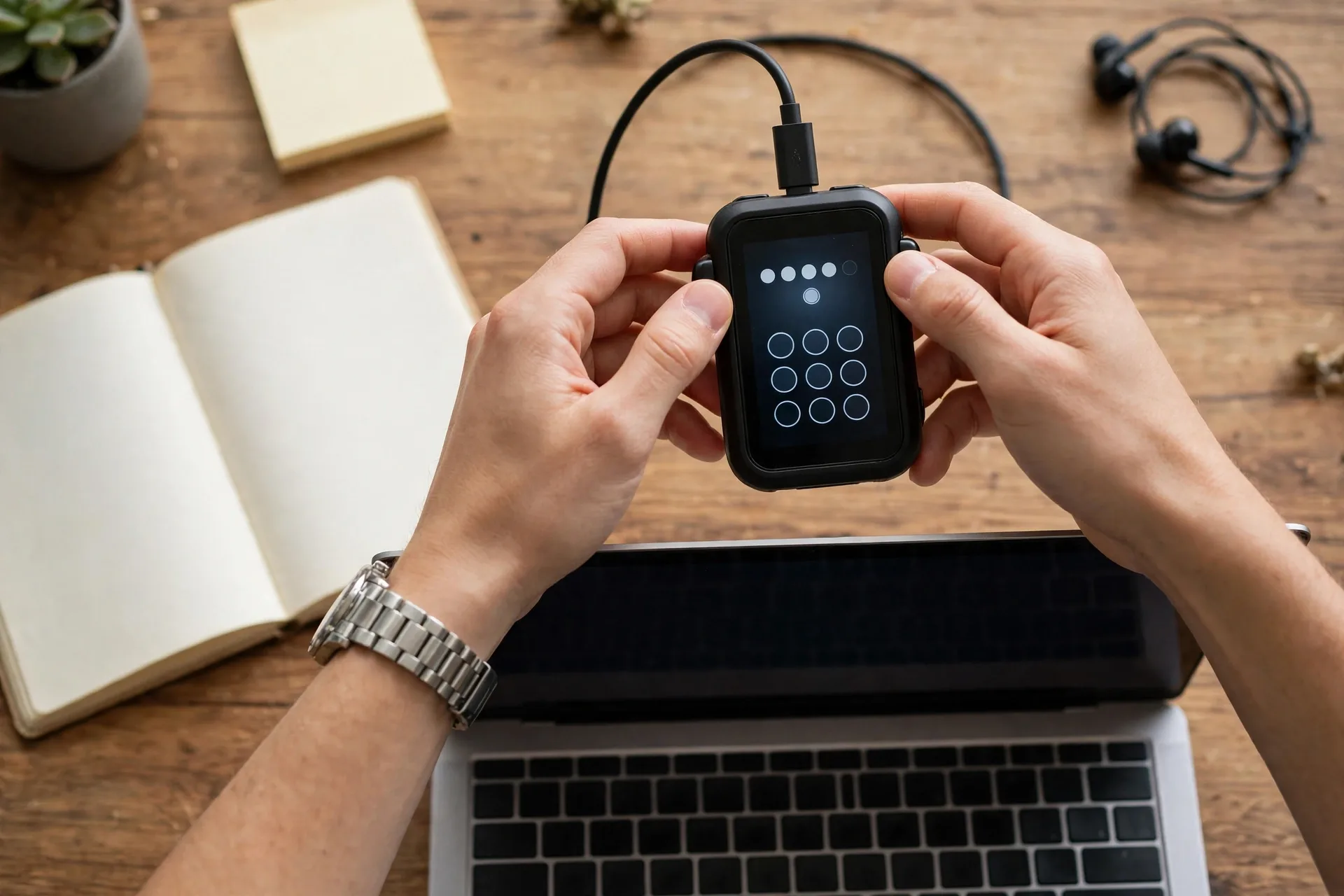
To protect your seed phrase, write it down offline, store 2 copies in separate safe spots, and never share it, photograph it, or type it into any website. The seed phrase is the master backup for your whole wallet. Anyone who holds it can restore the wallet on a new device and move the funds. No real support team ever asks for it.
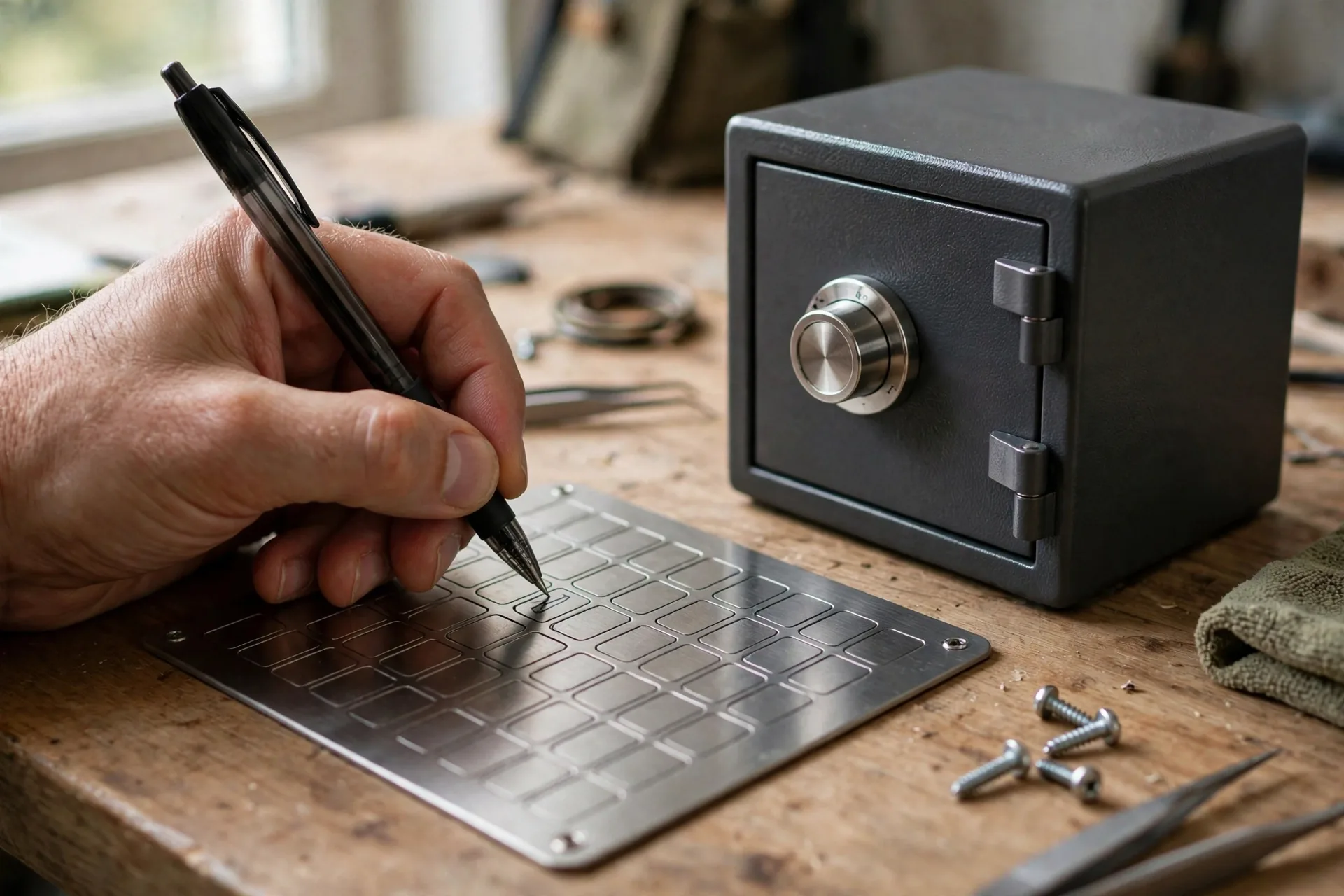
Paper works, and metal works better. Paper burns, soaks, and fades. A metal plate resists fire and water damage. Two copies in two places beat one copy in a safe that nobody can reach when needed. A fireproof home safe holds one copy, and a bank safety deposit box or a trusted family member’s safe holds the second copy.
| Backup method | Cost | Fire and water resistance | Main risk |
|---|---|---|---|
| Paper, handwritten | Under $1 | Low, paper burns and soaks | Fire, flood, fading ink |
| Metal plate, stamped or engraved | About $30 to $80 | High, metal resists fire and water | Theft if the location is known |
| Two copies, two places | Paper plus metal cost | High, one copy survives most events | Both copies found by the same person |
Test the backup once, before you trust it with a large amount. Restore the wallet on a second device from the written copy, or wipe the device and restore from the copy. A backup you never tested is a guess, not a backup. In my own routine, I check the full receiving address character by character on the hardware wallet screen before I press confirm, and that 10-second check has caught a pasted address error once.
How Much Crypto Should You Keep on an Exchange?
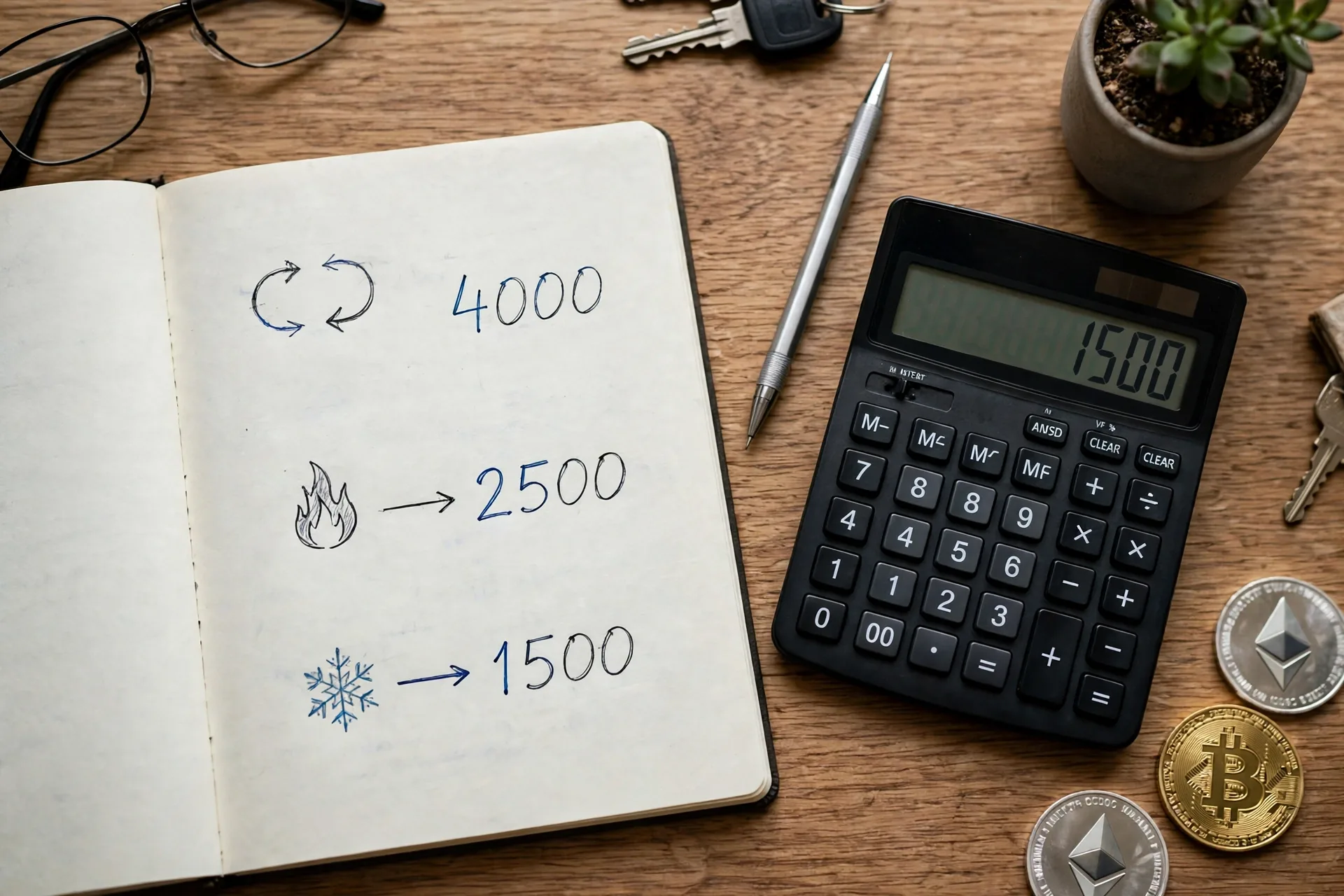
Keep on an exchange only the amount you plan to trade in the next few weeks, and move the rest to a wallet you control. A useful rule is the 10 percent rule: keep at most 10 percent of your total crypto on exchanges, keep a small spending amount in a hot wallet, and hold the other 80 to 90 percent in cold storage. The table below gives a split for 4 balance sizes.
| Total crypto value | On exchange (trading) | Hot wallet (spending) | Cold wallet (savings) |
|---|---|---|---|
| $100 | $100, while you learn | $0 | $0, a device costs more than the balance |
| $1,000 | $100 to $200 | $100 to $200 | $600 to $800 |
| $10,000 | $500 to $1,000 | $500 | $8,500 to $9,000 |
| $50,000 or more | $1,000 to $2,000 | $500 to $1,000 | The rest, about $47,000 or more |
A $100 balance does not need a hardware wallet yet. Learn with a hot wallet and a small amount, and add a cold wallet when your balance grows past the amount you can afford to lose. A $10,000 balance needs cold storage, because a single exchange freeze or hack would hurt for months. Review the split each quarter, and move amounts above your monthly spending level to cold storage after each buy.
What Mistakes Cost Crypto Holders Money?
The 5 mistakes that cost crypto holders the most money are sharing a seed phrase, trusting a fake app, skipping a test send, keeping large amounts on an exchange, and approving a shady app without reading the approval. Each mistake is preventable, and each mistake costs money because crypto transactions cannot be reversed once confirmed. In 2024, over $2.2 billion in crypto assets were lost to hackers and scams (Source: Chainalysis, 2025).
Sharing a seed phrase tops the list. Scam messages pose as support staff and ask for the phrase to verify or fix a wallet. Real teams never ask for a seed phrase, a private key, or a password by email, text, or direct message. If a message asks for one, it is a scam.
Fake apps rank next. Search ads and unofficial app stores host copies of popular wallets that steal keys on setup. Download wallet apps only from the official app store listing or the maker site, and check the developer name before you install. A fake app often has a near-identical name with one letter changed.
Skipping a test send also costs money, because a wrong address sends funds to a stranger with no way to call them back. Address poisoning makes this worse: a scammer sends a tiny transaction from an address that shares the first and last few characters with a real address you use, so you copy the fake one from your history later. Always copy an address from the wallet receive screen or a saved contact, never from recent history.
Keeping large amounts on an exchange ranks next, because exchange hacks and failures have cost holders funds. The Bybit hack alone took about $1.4 billion in February 2025 (Source: SoFi, 2026). Careless approvals rank last: read each approval, reject any request you do not understand, and revoke old approvals in your wallet settings. Learn the warning signs in how to avoid crypto scams before you connect a wallet to any new site.
What Should You Do If Your Seed Phrase Is Exposed?
If your seed phrase is exposed, create a new wallet with a new seed phrase on a clean device and move your funds to it at once. Assume the old wallet is compromised, because anyone with the words can drain it at any time. Speed matters more than saving fees here.
- Do not panic and do not type the seed phrase into any site that promises to check or secure it.
- Get a clean device, or wipe the device you used, and install the wallet app from the official source only.
- Create a brand-new wallet and write down its new seed phrase offline.
- Send a small test amount to the new wallet and confirm it arrives.
- Move the full balance from the old wallet to the new wallet in one or two transfers.
- Write the new seed phrase backup in two places, and destroy the old backup copies.
If funds already left the old wallet, report the theft to the police and to the exchange or platform involved. Recovery is rare, and anyone who promises recovery for a fee is running a second scam. Change the passwords on your email and exchange accounts, and turn on authenticator-app 2FA if it was off.
How Do You Plan Crypto Inheritance?
To plan crypto inheritance, write a handover letter that lists every exchange and wallet, says where the seed phrase backups are kept, and gives plain restore steps for a non-technical person. The letter goes with your other papers, not inside the will, and it never holds the seed phrase itself.
A good handover letter has 5 parts. Part 1 lists each exchange and wallet by name, with the email or username used. Part 2 says where each seed phrase backup is kept, in plain words such as “metal plate in the home safe” or “paper copy in the bank deposit box”. Part 3 gives restore steps in order: install the wallet app, choose restore, enter the 12 or 24 words in order, set a new PIN, and check the balance. Part 4 names the trusted person who holds the second backup copy. Part 5 says who to call for help, such as an estate planning professional.
Tell your trusted person that the letter exists and where to find it. Laws on wills and digital assets differ by country and state, so talk to an estate planning professional for larger amounts. For larger balances, a multi-signature wallet splits approval across 2 or 3 keys, so no single lost key or single person can move the funds alone.

Frequently Asked Questions
Is a hardware wallet necessary to store crypto safely?
No, a hardware wallet is not necessary for small amounts, but it is the standard way to protect larger long-term holdings from online threats. A hot wallet with a small amount teaches the basics at no cost. Add a hardware wallet when your balance grows past the amount you can afford to lose, or when you start holding for months.
What is the safest way to store crypto long term?
The safest way to store crypto long term is a hardware wallet with keys offline, plus a seed phrase backed up on metal in two separate places. Keep the device and the backup in different spots, test the backup once, and update firmware through the official app. No setup removes all risk, but this one removes the remote attack path.
Is it safe to keep crypto on an exchange?
Keeping a small amount on an exchange for active trading is common, but keeping a large amount on an exchange carries risk, because the exchange holds the keys. Exchanges can freeze withdrawals, suffer hacks, or fail, and holders then hold a claim rather than direct control. Move funds you do not trade to a wallet you control.
Can a cold wallet be hacked?
Yes, a cold wallet can still be hacked in narrow cases, but remote hacking gets far harder when keys stay offline. Risks remain through fake devices, tampered software, and a seed phrase that leaks online. Buy direct from the maker, check the seal, verify firmware through the official app, and keep the seed phrase offline.
What happens if I lose my hardware wallet?
Losing a hardware wallet does not lose your crypto when you still hold the seed phrase, because the seed phrase restores the wallet on a new device. Buy a replacement device, enter the seed phrase in order, set a new PIN, and check the balance. Losing both the device and the seed phrase together means permanent loss.
Should I use a passphrase on top of my seed phrase?
A passphrase adds an extra word that creates a separate wallet from the same seed phrase, so a stolen seed phrase alone shows an empty wallet. Use a passphrase only if you can store it as safely as the seed phrase, because a lost passphrase locks the extra wallet too. Write it down offline, apart from the seed phrase.
Conclusion
How to store crypto safely comes down to matching the wallet to the job: an exchange for trading money, a hot wallet for small spending amounts, and a cold hardware wallet for savings. Back up the seed phrase offline in two places, lock every account with an authenticator app, and send a small test transaction before every large move. Those 4 habits prevent most losses, because most losses come from one shared seed phrase, one fake app, or one unchecked address.
Start with the step that fits your balance today. A $100 balance needs a hot wallet and good habits, not a device. A $10,000 balance needs cold storage this week. Review your split each quarter, test your backup once, and write the handover letter before you need it. Savvy Cash Flow publishes beginner money guides that keep crypto, budgeting, and saving in plain terms, and this guide is one place to start.