
You use computers to create, communicate, and solve problems; this post defines what a computer is, traces its history, outlines major types, and explains how hardware and software work together in simple terms so you can understand core concepts and make informed choices about devices and technology.
Definition of a Computer
You rely on a computer when a device executes stored instructions to transform data into useful results; a practical example is your smartphone running an app that decodes video at 30 fps using an SoC with 8 cores and a dedicated GPU. Computers perform input, processing, storage and output, and modern machines handle billions of operations per second (GHz-class CPUs) or terabytes of storage, making them programmable general-purpose engines rather than single-purpose calculators.
Basic Components
You interact with five main parts: CPU for computation, memory (RAM) for fast temporary storage, long-term storage like SSDs (128 GB–4 TB typical), I/O devices such as keyboard, display and network interfaces, and a motherboard that connects everything. For example, a modern laptop often combines a quad- or hexa-core CPU, 8–16 GB RAM and a 512 GB NVMe SSD to balance multitasking and storage speed for common workflows.
Functionality Overview
Your computer follows a cycle: input is received (keyboard, sensors), the CPU executes instructions from programs stored in memory, data moves between registers, cache and RAM at nanosecond latencies, and results are output to screen, files or network. Operating systems schedule tasks, and modern CPUs use pipelining and out-of-order execution to reach hundreds of billions of instructions per second in server chips.
You can see the cycle in numbers: an Intel Core i7-8550U runs 1.8–4.0 GHz across 4 cores with ~64 KB L1 and 8 MB L3 cache, giving cache hits in a few cycles versus ~50–100 ns for DRAM. In contrast, an NVIDIA RTX 3080 offers 8,704 CUDA cores for parallel workloads, illustrating how CPUs prioritize low-latency control while GPUs deliver massive parallel throughput for tasks like rendering or AI training.
History of Computers
Tracing computing history shows a chain of innovations from the abacus and Antikythera to Babbage’s 19th‑century designs and 20th‑century electronics; you can review a concise timeline and lessons at History of Computers | Definition & Types – Lesson, which highlights milestones that turned mechanical calculation into programmable, high‑speed systems used today.
Early Mechanical Devices
You encounter early computation in the abacus (c.2400 BCE), the Antikythera mechanism (c.100 BCE) for astronomical prediction, Pascal’s Pascaline (1642) and Leibniz’s stepped reckoner (1673). Babbage proposed the Difference Engine (1822) and Analytical Engine (1837), and Ada Lovelace’s 1843 notes described programmatic concepts—concrete examples showing how mechanical designs established principles you still use in architecture and algorithms.
Development of Electronic Computers
You observed a dramatic shift during WWII and the 1940s: Colossus (1943–44) accelerated codebreaking, ENIAC (1945) used roughly 17,000 vacuum tubes to compute artillery tables, and Manchester’s Baby (1948) proved the stored‑program concept. These electron‑based machines increased speed and flexibility, enabling software complexity that mechanical systems couldn’t support.
After vacuum tubes you saw miniaturization and efficiency improve: the transistor (Bell Labs, 1947) reduced size and power, integrated circuits (Kilby and Noyce, 1958–59) packed logic densely, and Intel’s 4004 (1971) placed a CPU on one chip. Moore’s 1965 observation about transistor density predicted rapid capability growth, leading to the Altair (1975), Apple II (1977) and IBM PC (1981) that brought computing into your home and workplace.
Types of Computers
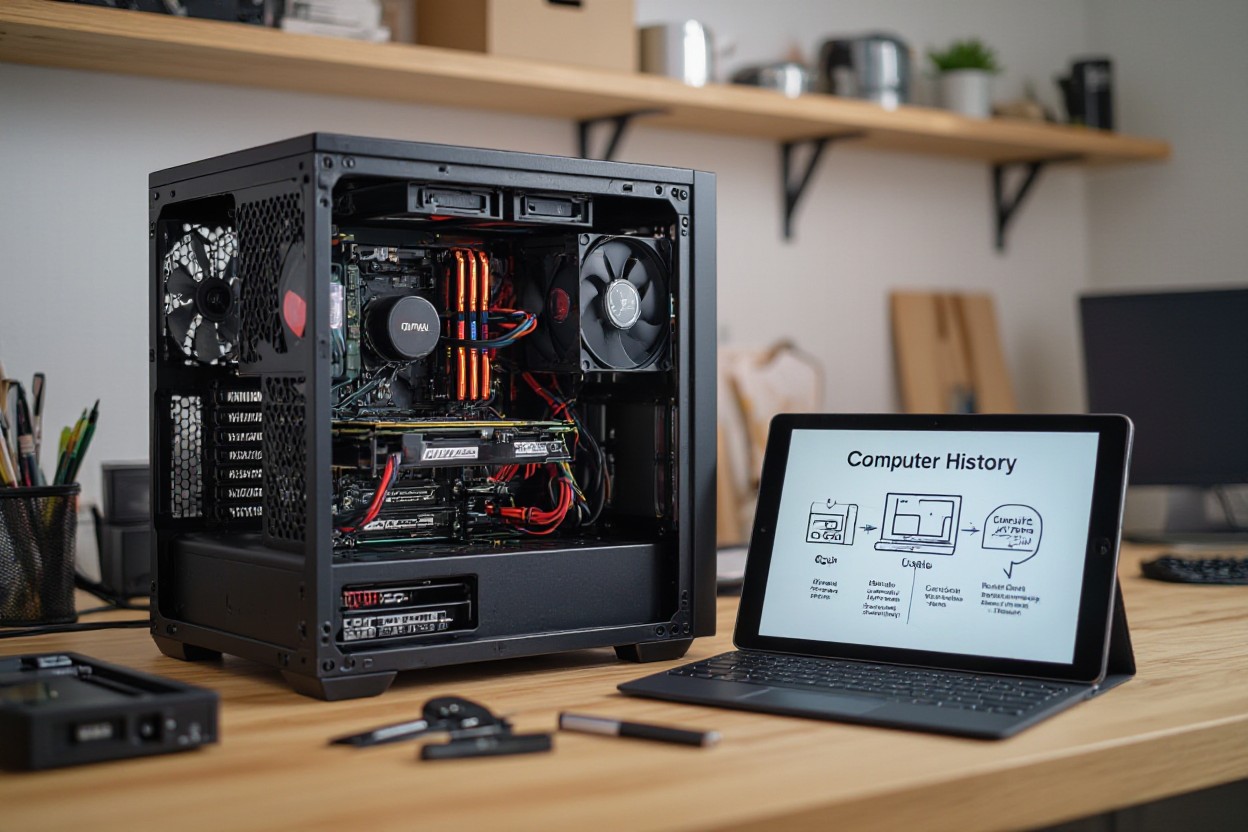
You encounter five broad types: personal, mobile, servers, mainframes, and supercomputers; each differs in performance, size, and purpose. Desktops often pack Intel or AMD CPUs with 8–64 GB RAM for gaming or productivity, while servers run multicore Xeon processors handling virtual machines and databases. Embedded systems power appliances and IoT devices. Use cases determine form factor and cost, so refer to the table and bullets for quick comparisons.
- Personal: desktops, laptops, and workstations for everyday tasks, gaming, and content creation.
- Mobile: smartphones and tablets optimized for battery life, sensors, and touch interfaces.
- Enterprise: servers and mainframes for databases, transaction processing, and virtualization at scale.
- This table below breaks down key examples and typical uses to guide your choice.
| Type | Typical Use / Example |
|---|---|
| Personal Computers | Dell XPS, MacBook Air M2 — 8–32 GB RAM, SSD storage, consumer CPUs/GPUs |
| Mobile Devices | iPhone 14, iPad Air — ARM SoCs, optimized for battery and sensors |
| Servers & Mainframes | AWS EC2, IBM z15 — high I/O, virtualization, millions of transactions/sec |
| Supercomputers | Frontier (exascale), Summit (~200 PFLOPS) — large GPU/CPU clusters for simulation |
Personal Computers
You rely on desktops and laptops for most work and play; typical consumer rigs have 8–32 GB RAM, 256 GB–2 TB SSDs, and CPUs like Intel Core i5/i7 or Apple M1/M2. Gaming builds add GPUs such as NVIDIA RTX 30/40 series and faster cooling, while creator workstations push to 32–128 GB RAM and multicore CPUs for video rendering. Upgradeability and price-performance determine which model fits your workflow and budget.
Supercomputers and Mainframes
You’ll find supercomputers at national labs and mainframes in finance and government; supercomputers like Frontier exceeded 1.1 exaFLOPS in 2022 to run climate and genomics simulations, whereas IBM mainframes focus on throughput and security, processing millions of transactions per second for banks and airlines. Their scale and operational models differ sharply from consumer systems.
Architecturally, supercomputers achieve performance through massive parallelism—tens of thousands of GPUs/CPUs linked by high-speed interconnects; Frontier combines AMD EPYC CPUs with AMD Instinct GPUs and draws on the order of tens of megawatts with specialized cooling. Mainframes prioritize I/O throughput, hardware-assisted virtualization, and built-in redundancy; IBM z-series systems offer platform-level encryption and sustained uptime metrics used by global transaction systems. When you evaluate needs, decide if your workload demands simulation-scale FLOPS or enterprise-grade transaction reliability.
How Computers Work
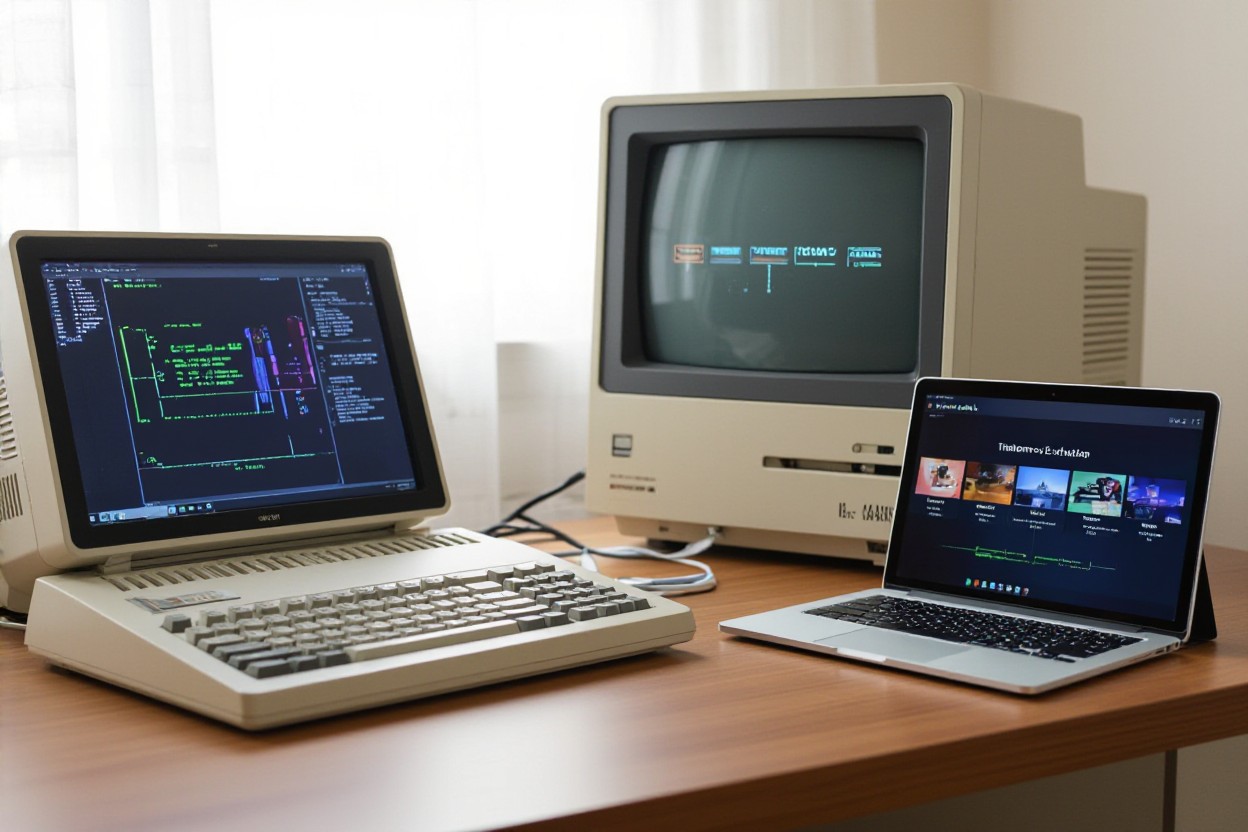
When you interact with a computer, electrical signals travel between CPU, memory, storage, and I/O devices to convert your inputs into visible results; the system fetches, decodes, and executes instructions while moving data across buses and controllers. Modern consumer CPUs coordinate billions of cycles per second (for example, a 3.5 GHz clock equals 3.5 billion cycles) to produce the real-time responses you expect.
Input, Process, Output Cycle
When you press a key or tap a screen, an interrupt is generated, the OS queues it and the scheduler assigns CPU time; the processor executes instructions, updates RAM, and the GPU or display controller renders frames at 60–144 Hz. Networking follows the same flow: packets reach the NIC, drivers process them, and applications respond within milliseconds depending on latency and throughput.
Storage and Memory
Your system uses volatile RAM (commonly 8–32 GB) for active working data and non-volatile storage for files—SATA SSDs at ~500 MB/s, NVMe SSDs up to ~3.5 GB/s, and HDDs around 100–200 MB/s. Cache layers (L1 ~32 KB, L2 ~256 KB–1 MB, L3 several MB) sit closest to the CPU, cutting latency from milliseconds to nanoseconds and dramatically affecting performance.
You’ll see a big gap when an app fits in RAM versus when the OS swaps: typical DRAM latency is ~50–100 ns, NVMe SSDs latency in the tens to hundreds of microseconds, and HDDs in the single-digit to double-digit milliseconds; virtual memory uses 4 KB pages, and page faults that hit disk can slow tasks by orders of magnitude, so SSDs substantially improve multitasking and large-data workflows compared with spinning disks.
Software and Operating Systems
System and application software together power your workflows: system code like firmware, drivers and operating systems (Windows, macOS, Linux, Android, iOS) manage hardware, security and resources, while applications such as Microsoft Office, Chrome and Photoshop deliver user-facing functionality. You depend on software updates and driver compatibility—Windows still runs on roughly three-quarters of desktops, and Android on about 70% of smartphones—so patching and versioning directly affect performance and safety.
Types of Software
You’ll see five primary categories: system software (OS and drivers), application software (productivity and media apps), development tools (compilers and IDEs), middleware (DBs and web servers) and firmware (embedded device code); each layer serves distinct runtime and maintenance roles, and knowing them helps you allocate updates, licenses and security controls efficiently.
- System software — OS kernels (Linux, Windows) and device drivers.
- Application software — Office suites, browsers, creative tools like Photoshop.
- Development tools — compilers (GCC), IDEs (Visual Studio, Android Studio).
- Middleware — web servers (Nginx), databases (PostgreSQL), message queues.
- Recognizing these categories helps you choose, secure and update software appropriately.
| System software | Windows, Linux kernel, device drivers |
| Application software | Microsoft Office, Google Chrome, Adobe Photoshop |
| Development tools | GCC, Visual Studio, Android Studio |
| Middleware | Nginx, PostgreSQL, RabbitMQ |
| Firmware | BIOS/UEFI, router firmware, microcontroller code |
Role of Operating Systems
The OS schedules processes, manages memory and I/O, enforces permissions and provides APIs so software runs predictably; for instance, kernels allocate pages, handle interrupts, and often use time slices in the 1–10 ms range to keep interactive latency low. You access services through system calls—Windows via Win32/WinRT, Linux via POSIX—while mobile platforms pair kernels with runtimes (Android’s Linux + ART) to isolate apps.
Digging deeper, you’ll notice design trade-offs: monolithic kernels like Linux favor performance by running drivers in kernel space, whereas microkernels (QNX) isolate services for better fault containment. In production, Linux dominates servers (powering a majority of web infrastructure), Windows remains prevalent on desktops for legacy apps, and virtualization/container tools (KVM, Hyper-V, Docker) let you isolate workloads and scale resources efficiently.
Future of Computing
Emerging Technologies
Quantum, neuromorphic and photonic systems are moving from labs to pilots: Google’s 53‑qubit Sycamore (2019) illustrated quantum advantage for a targeted task, Intel’s Loihi explores event‑driven neuromorphic designs for low‑power inference, and silicon photonics is reducing interconnect latency. You’ll see these paired with classical CPUs, GPUs and domain accelerators to tackle optimization, materials simulation and edge AI workloads.
Trends in Computer Development
Heterogeneous architectures, chiplet packaging and energy‑aware design are driving product roadmaps. AMD’s chiplet strategy in EPYC/Ryzen families improved yield and cost, while Apple’s M‑series demonstrated big gains in performance per watt through system integration. You should expect more domain‑specific accelerators, wider use of 3D stacking for memory and continued growth of edge compute to cut latency.
Manufacturers now balance node scaling with advanced packaging: EUV‑enabled 7nm/5nm processes delivered density improvements, yet chiplets let you combine cutting‑edge logic with larger I/O dies on older nodes. You’ll encounter interposers, through‑silicon vias and HBM memory stacks used together—AMD’s EPYC and multi‑die GPU modules are examples—so system co‑design, not just transistor counts, will determine near‑term performance gains.
Final Words
With this in mind, you now grasp what a computer is, how it evolved, the main types and the basic principles behind how it works; this knowledge lets you make informed choices about devices, troubleshoot core issues, and understand the role computers play in your work and daily life.
FAQ
Q: What is a computer?
A: A computer is an electronic device that receives, stores, and processes data according to programmed instructions to produce information. It combines hardware (physical components like the CPU, memory, storage, input/output devices) and software (operating system and applications) to perform tasks ranging from simple calculations to complex simulations. At its core a computer converts real-world inputs into binary data, manipulates that data, and returns results through outputs.
Q: How did computers develop over time?
A: Computer development progressed from manual calculation tools (abacus) to mechanical devices (Pascal, Babbage), then to electromechanical and electronic machines in the early 20th century. Key milestones include vacuum-tube computers in the 1940s, transistor-based machines in the 1950s–60s, integrated circuits in the 1970s, personal computers in the late 1970s–80s, and mobile devices and cloud computing from the 2000s onward. Each stage increased speed, reliability, miniaturization, and accessibility while lowering cost.
Q: What are the main types of computers and how are they used?
A: Main types include supercomputers (large-scale scientific simulations), mainframes (enterprise transaction processing), servers (hosting services and applications), desktops and workstations (office and professional work), laptops (portable computing), tablets and smartphones (mobile interaction), and embedded systems/IoT devices (single-purpose controllers in appliances, cars, and sensors). The choice depends on required performance, size, power use, and intended tasks.
Q: How does a computer work, explained simply?
A: A computer operates in cycles: input devices capture data, the CPU processes instructions, memory temporarily holds data and instructions, and storage keeps long-term data. The CPU follows a fetch-decode-execute loop: fetch an instruction from memory, decode what to do, execute it (using the ALU for calculations or the control unit to coordinate tasks). The operating system manages resources, schedules tasks, and handles input/output. Data is represented in binary and moves over buses between components.
Q: What factors determine a computer’s performance and how should I choose one?
A: Performance depends on CPU (core count, clock speed, architecture), RAM (capacity and speed), storage type (SSD for fast access vs HDD for larger, slower storage), GPU (graphics and parallel compute), and system design (cooling, bus speeds, storage interface). Other considerations: intended use (gaming, video editing, web browsing, servers), portability, battery life, upgradability, and budget. Match component strengths to your primary tasks: more RAM and CPU threads for multitasking and content creation, a strong GPU for gaming or rendering, and an SSD for quicker boot and load times.